INDUSTRY

Giving construction firms the financial transparency to manage on-site execution with ease.

Automate admin and get time back to ‘build’ your business. Add WorkflowMAX to your toolkit, reduce admin time, save money and collaborate with your team from anywhere.

Start 14-Day Free Trial  -->
Hubspot Logo
Hubspot Logo
Hubspot Logo
Hubspot Logo
Hubspot Logo
Hubspot Logo
Hubspot Logo
Hubspot Logo
Hubspot Logo
Hubspot Logo

Why WorkflowMAX works so well for the building and construction industry

Construction is tough work. Let WorkflowMAX do the heavy lifting so you can work faster and smarter.

Document management

Store documents against jobs for easy access and integrate with your favourite document management apps for even more capacity.

Learn more -->
Lead manager

Reporting and insights

Use powerful reporting insights to understand which project type earns you the most money or where you’re under-charging your clients.

Learn more -->
Lead manager

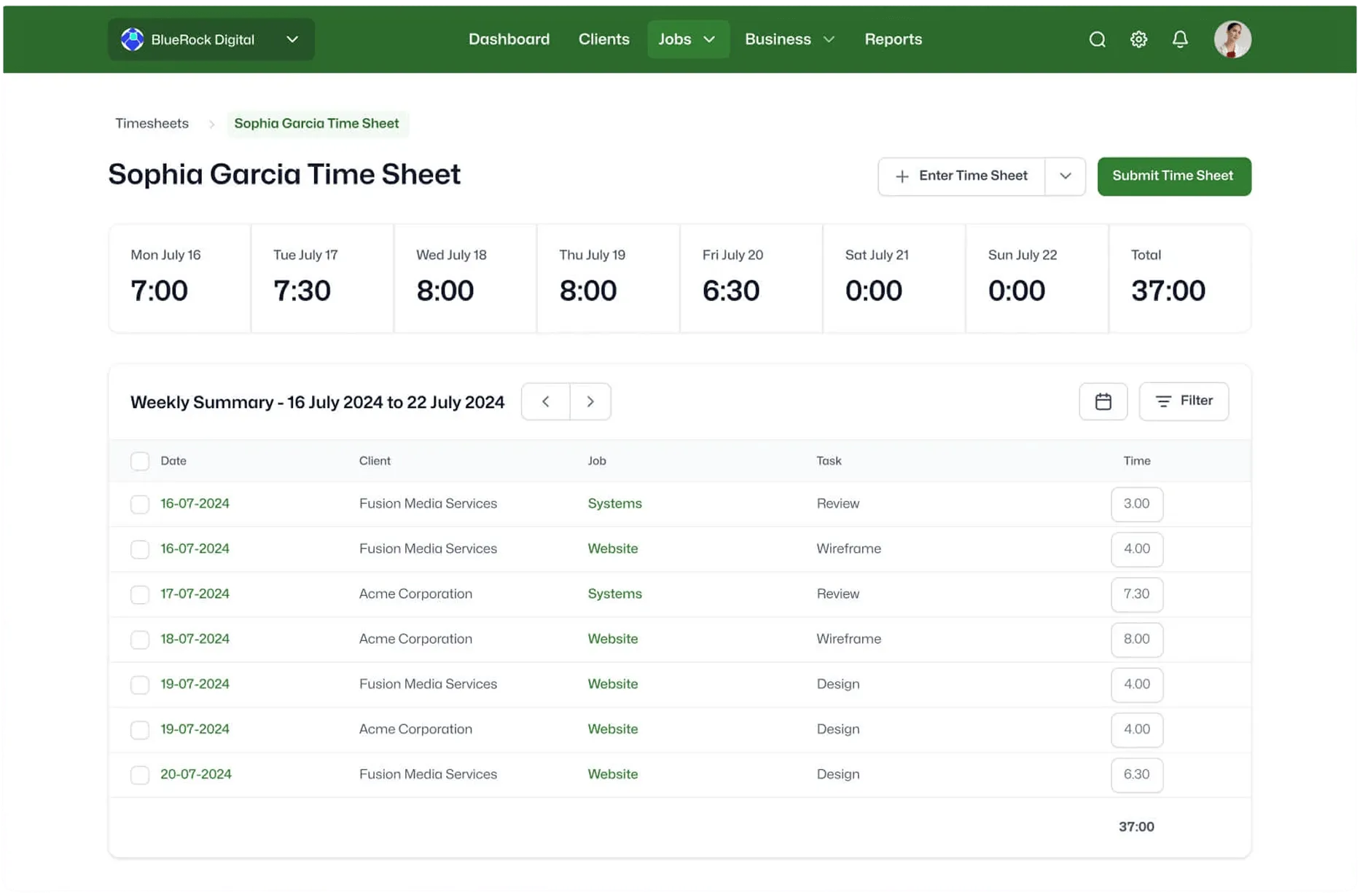
Time tracking

You and your team can choose from eight different time tracking options, then you can create invoices automatically from your timesheet data. Never miss a minute of billable time again.

Learn more -->
Lead manager

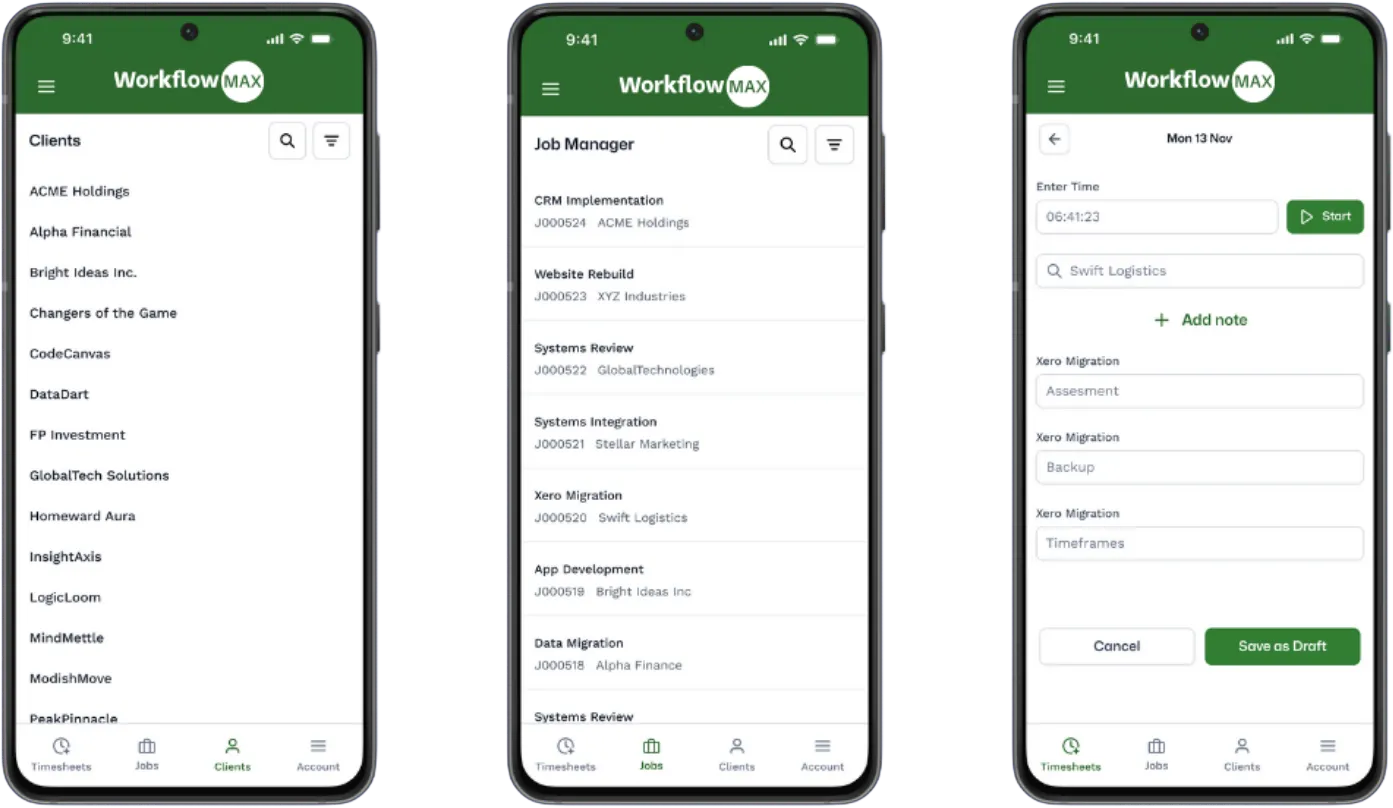
Mobile app

Business doesn’t stop when you’re out and about. 
The WorkflowMAX app helps you manage from everywhere.

Learn more -->
Lead manager

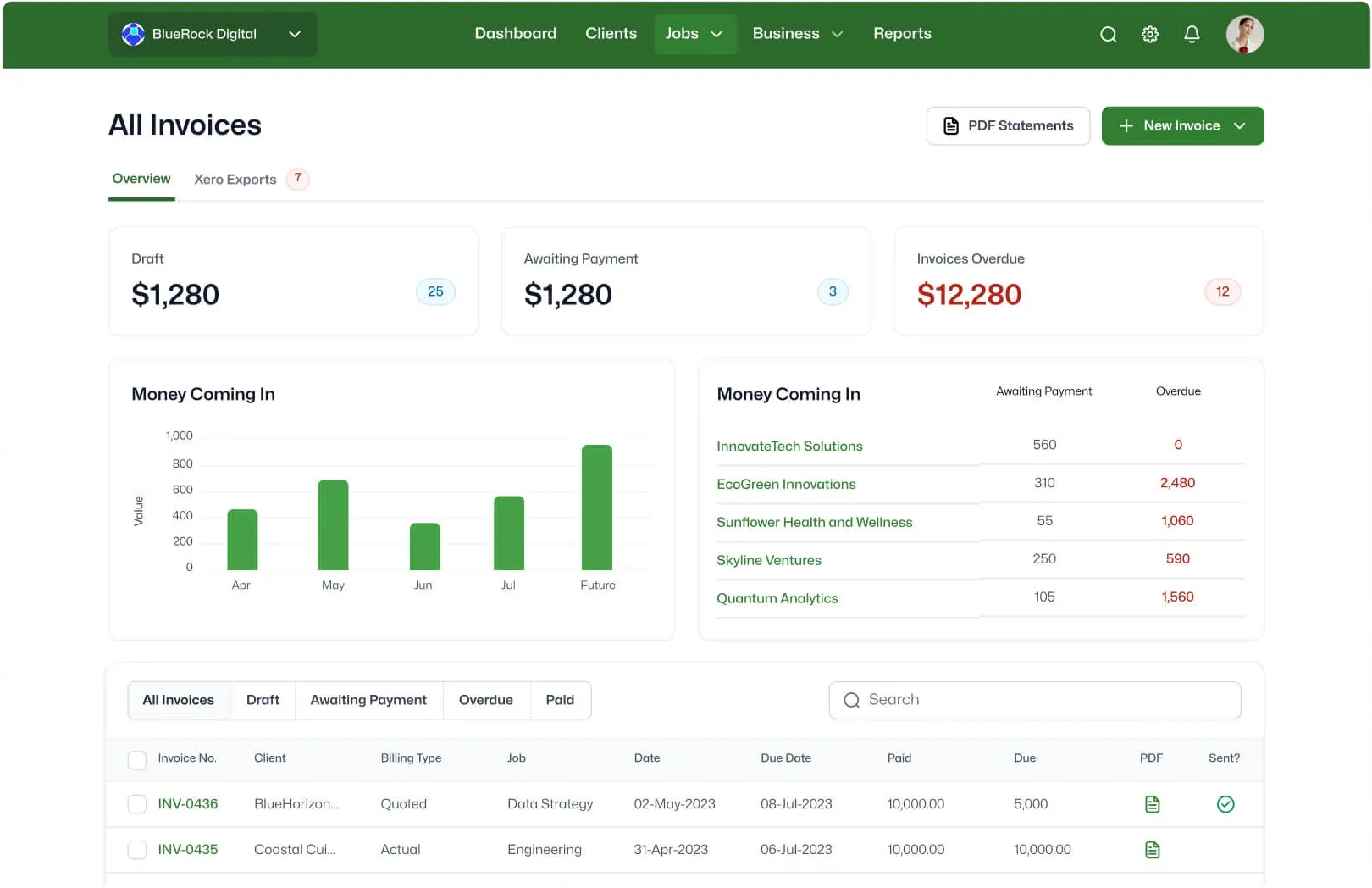
Invoicing

Invoice based on time, costs, flat-rate, percentage of quoted value or however you like. Change all the details to suit your needs.

Learn more -->
Lead manager

Xero and QuickBooks integration

Your purchase orders and sales invoices are pushed directly into Xero or QuickBooks, saving you time and eliminating double handling.

Learn more -->
Lead manager

Built for builders who'd rather be on site than in spreadsheets.

Track jobs, manage subbies, and bill progress claims from anywhere – so the office runs while you're on the tools.

Start free trial -->

Invoiced

$10B+

USD In customer invoices sent through WorkflowMax annually

Tracked

80M+

Hours of billable time captured each year

Global

150

Countries where service businesses run on WorkflowMAX

Users

100,000+

Professional services staff managing their work

Real people. Real
expertise. Real support.

No more with cookie-cutter advice, our team has all worked hands-on with service businesses, understands their issues, and can offer honest, strategic advice.

- And when you decide to move forward?

You’re not left to figure it out alone.

Proven by the Pros

Join the community of experts scaling with WorkflowMAX.

Luphus Oosthuizen

Director at Engenera

"The big problem with Excel spreadsheets is it's not scalable. Implementing WorkflowMAX was painless and fast."

0:00 / 0:00
Playback speed

Kavan Applegate

Director of Guymer Bailey Architects

"The data within WorkflowMAX helps me as the owner manage the profitability of projects from start to finish."

0:00 / 0:00
Playback speed

Amy Darvall

Founder of Holistic Nursing Solutions

"Life before WorkflowMAX was very labour intensive. Now I can easily see the full job lifecycle."

0:00 / 0:00
Playback speed

Sarah No

Brand and Marketing Director of BlueRock Digital

"We needed a system that is able to work in real time, share visibility to decision makers so we can make those decisions really quickly.  WorkflowMAX makes it really easy to do that."

0:00 / 0:00
Playback speed

Steve Luxmoore

Director of Your HR System

"With WorkflowMAX, we've been able to have real-time data, so that we get a great picture
on profit and understanding what our profit is."

0:00 / 0:00
Playback speed
Why construction firms prefer WorkflowMAX to generic project tools.

Built for how you actually run jobs:

Generic PM tools weren't designed for quoting variations, tracking costs across trades, or managing POs on a live project. WorkflowMAX was.

Integrated financials, not add-ons:

Competitor integrations require a paid add-on and don't support two-way Xero sync. WorkflowMAX connects your job costs, progress invoices, and retentions directly to your accounting.

Priced for crews of 5–50:

Full job costing, purchase orders, variations, and margin tracking – without the price tag or complexity of a construction ERP.

Track time on site, not back at the office:

Your crew logs hours against the right job and task from their phone – no timesheets piling up on the dash at the end of the week.

Frequently asked questions

How does WorkflowMAX help building and construction businesses manage jobs?

WorkflowMAX gives you one place to manage every job from quote through to final invoice. Track tasks, deadlines, costs, and subcontractor coordination across all your active projects – whether you're running residential builds, commercial fit-outs, or maintenance work. No more chasing information across spreadsheets, emails, and paper folders.

Can my team track time on site from their phones?

Yes. WorkflowMAX has native iOS and Android apps so your crew can log time against jobs directly from site – using timers or manual entry. Time data flows straight into job costing and invoicing, so billable hours are captured as they happen rather than reconstructed at the end of the week. Learn more about mobile access.

How does WorkflowMAX handle purchase orders for suppliers and subcontractors?

Create and issue purchase orders directly within WorkflowMAX, linked to the relevant job. When bills come in, they're matched against the PO and recorded as job costs automatically. Multi-currency POs are also supported for businesses sourcing materials or services internationally. Every PO creates a history entry, giving you a full audit trail.

Can I track job costs and profitability in real time?

Yes. WorkflowMAX tracks labour, materials, subcontractor costs, and disbursements against each job as they're incurred – not after the fact. Real-time reporting shows you exactly where each job sits against budget, so you can spot cost blowouts early and protect your margins before it's too late.

How does invoicing work for construction businesses?

WorkflowMAX supports multiple billing methods – time and materials, fixed price, progress claims, percentage of quoted value, or milestone-based. You choose what suits each job or client. Invoices pull directly from your job data, so every claim is backed by the actual time and costs recorded against the project.

Does WorkflowMAX integrate with Xero and QuickBooks?

Yes. Bills and invoices sync directly into Xero or QuickBooks, eliminating double entry and keeping your accounts accurate. For builders already running Xero – common across AU/NZ – this is a native integration, not a third-party add-on.

Can I coordinate subcontractors and external trades through WorkflowMAX?

Yes. Assign tasks to internal staff, subcontractors, and external collaborators within the same job. Everyone has visibility on timelines and deliverables, so you can coordinate across trades without relying on phone calls and text messages to keep things on track.

How does WorkflowMAX help with quoting and estimating for construction jobs?

Build detailed quotes with task breakdowns, material costs, labour estimates, and margin calculations. Once a quote is accepted, all the data flows into the job automatically – tasks, costs, and budgets are pre-populated so you're not re-entering the same information twice.

Can I store site documents and photos against each job?

Yes. WorkflowMAX lets you attach documents, plans, photos, and files directly to each job. Integrate with Google Drive, SharePoint, or Dropbox for even more capacity. Everything stays linked to the job it belongs to, so your team can find what they need without digging through shared drives or email threads.

Can I try WorkflowMAX before committing?

Yes. Start a 14-day free trial with full access to the platform – no credit card required. Test it with your real jobs and data so you can see how it fits your business before you commit.