Stay in control  of your job management

Job management

Track and record all aspects of your jobs, from resources and time to costs and profitability. Experience seamless workflow management and gain valuable insights through reporting.

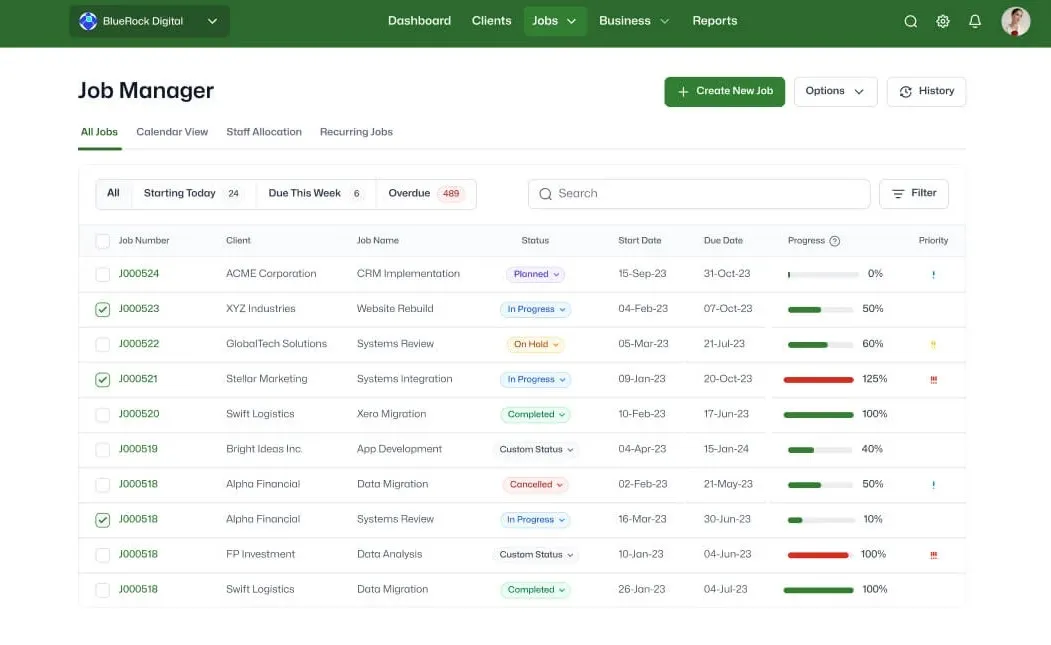
Centralised job information

features-icon

Easily access all your job-related data in one place for a single source of truth

features-icon

Locate jobs quickly, along with essential details

features-icon

Get an overview of job status, due dates and overdue tasks at a glance

Lead manager
listing-divider

Efficient task management

features-icon

Streamline work processes and enhance productivity by using the inbuilt task manager to allocate staff to tasks

features-icon

Get clarity over task responsibilities by assigning to-dos, estimated task times and due dates

Lead manager
listing-divider

Flexible job scheduling and milestone tracking

features-icon

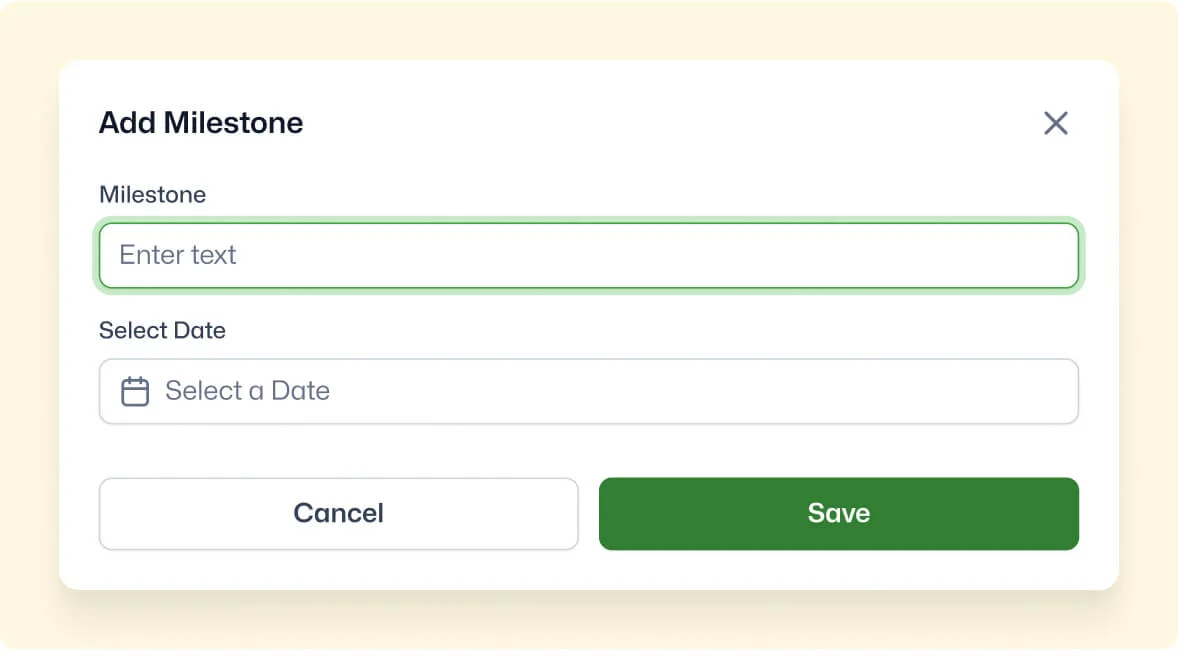
Create and manage project milestones independently of task due dates

features-icon

Easily adjust milestones, dates and deadlines using the schedule manager

features-icon

Run milestone reports to track success as well as potential issues

Lead manager
listing-divider

Plan your team's time with confidence

features-icon

See who's available, at capacity, or overloaded with a colour-coded timeline that updates in real time.

features-icon

Assign and adjust work with drag-and-drop simplicity, keeping schedules balanced without the back and forth.

features-icon

Stay on top of unassigned tasks automatically, so nothing slips through the cracks.

Lead manager
listing-divider

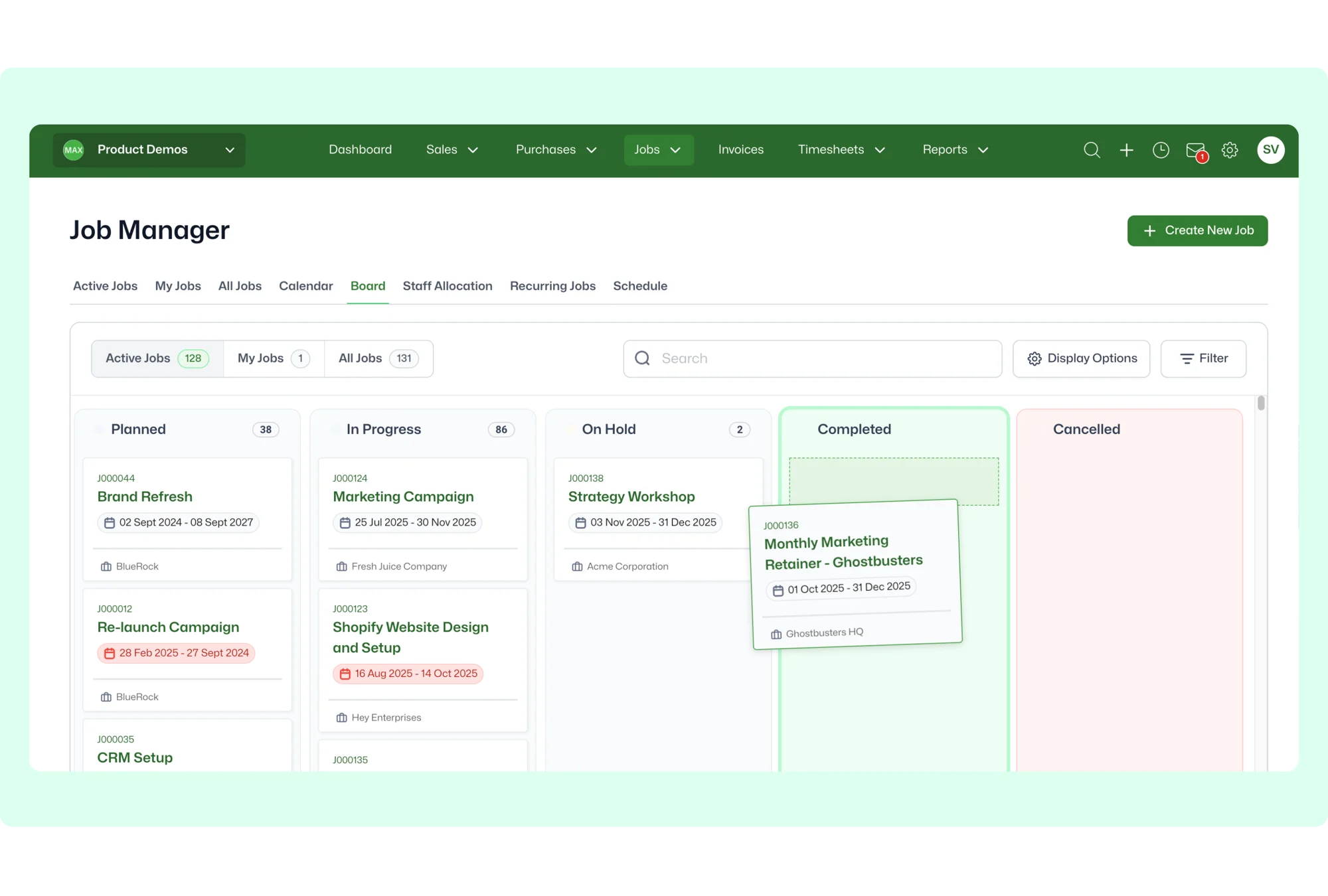
Work made visual

features-icon

Easily see jobs, priorities, and progress at a glance, keeping your team aligned and focused.

features-icon

Streamline job management with drag-and-drop simplicity, helping your team move work from start to finish faster.

features-icon

Adapt quickly to changing priorities with a clear, intuitive board that keeps everything in one place.

Lead manager

WorkflowMAX is essential for our business. It's intuitive, easy to use, and makes us much more efficient in charging projects correctly.

Andrew S.

Episode Two

We moved back and the team actually loves using it—billing is faster and we can see margins live.

Darlene Robertson

Principal, Surveying & Engineering Firm

It’s the same soul with better bones—job costing, timesheets, and invoicing finally work as one.

Floyd Miles

Implementation Partner

WorkflowMAX has made a huge difference to how we run our projects. A great system backed by great support. Highly recommended.

Rob P.

MAF Associates

Any questions?

Can I use custom job states to manage my workflow?

Yes. Define custom job states that match your business process such as 'Awaiting Brief', 'In Review', or 'Ready for Invoicing' and set up notifications that trigger when a job moves into a specific state. This automates handoffs between teams without building separate workflow tools.

How does WorkflowMAX help professional services firms manage jobs differently from generic project management tools?

WorkflowMAX connects every job to quoting, time tracking, costing, WIP, and invoicing in a single platform so job management decisions always have financial context. Generic project tools track tasks and deadlines but leave financial tracking to separate systems. Purpose-built job management means every task, timesheet entry, and cost drives your profitability picture in real time.

Can I forward emails directly to a job in WorkflowMAX?

Yes. WorkflowMAX lets you set up a customisable @emailworkflowmax.com address for your organisation. Forward any email with the job number in the subject line, and the email and attachments are automatically filed against that job. Emails without a matching reference land in the Collaboration Manager inbox for manual assignment, so nothing is lost.

What views does WorkflowMAX offer for managing jobs and tasks?

WorkflowMAX provides list, Kanban board, and Gantt-style schedule views for managing jobs and tasks. Kanban lets you visualise work by status and drag tasks between columns, while the schedule view shows task timelines and dependencies. Combined with filtering by job state, client, or assigned staff, you can tailor the view to how your team works.

Does WorkflowMAX store all historical job data, even for completed projects?

Yes. All job data time, costs, documents, notes, invoices, and communication history is retained indefinitely. Completed and archived jobs remain fully accessible and searchable. For firms that need to reference past engagements for audits, disputes, or repeat work, your project history is always available.

How does WorkflowMAX handle job templates for recurring work?

Job templates let you pre-configure phases, tasks, costs, milestones, staff assignments, and estimated hours for job types you run repeatedly. When a new job is created from a template, the entire structure populates automatically saving setup time and ensuring consistency across engagements.

Can I set up alerts when actual hours approach the estimated budget on a task?

Yes. Custom notifications can be triggered when actual time reaches a percentage of the estimated hours for example, alerts at 75% and 100%. You choose the thresholds and the recipients, so the right people are warned before a task runs over budget.

How does WorkflowMAX help me track every minute of staff time, including non-billable work?

Create internal jobs for non-billable activities leave, training, meetings, business development and have staff log time against them just like client work. This gives you a complete picture of where your payroll investment goes across the entire year, not just the billable portion. Reports can then show utilisation rates that account for all hours.

addt-bg-left

Additional features

addt-bg-right