Unlock real-time insights with performance reporting

Reporting and insights

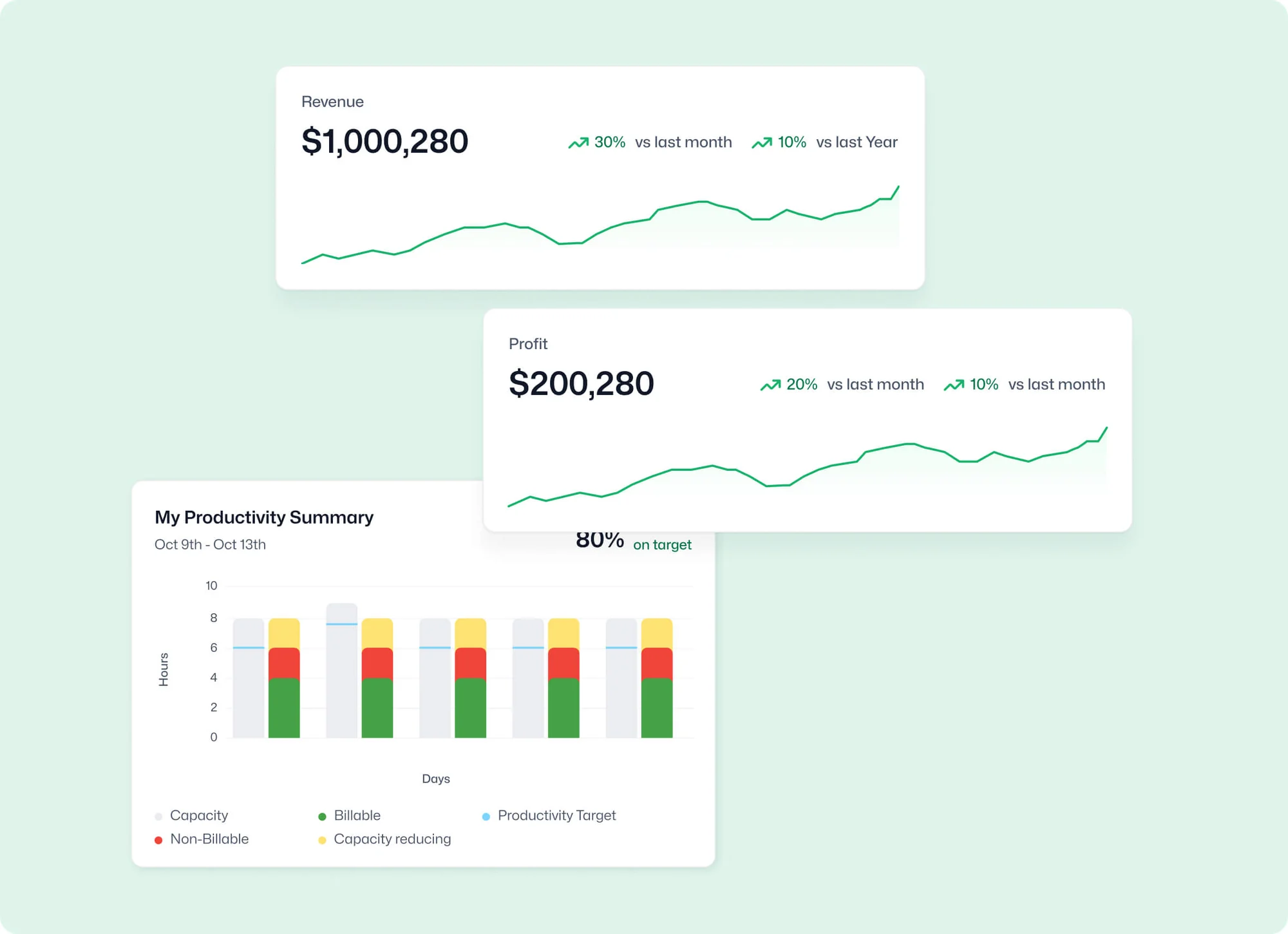
Dive deep into productivity, performance and profitability metrics. Transform insights into actions and elevate your business profitability.

Real-time business intelligence

features-icon

Make informed decisions with insightful, live data and analytics tools

features-icon

Systematically enhance productivity and profitability, and pinpoint key growth areas

features-icon

Full visibility helps you be proactive and mitigate losses

Lead manager
listing-divider

Performance and time oversight

features-icon

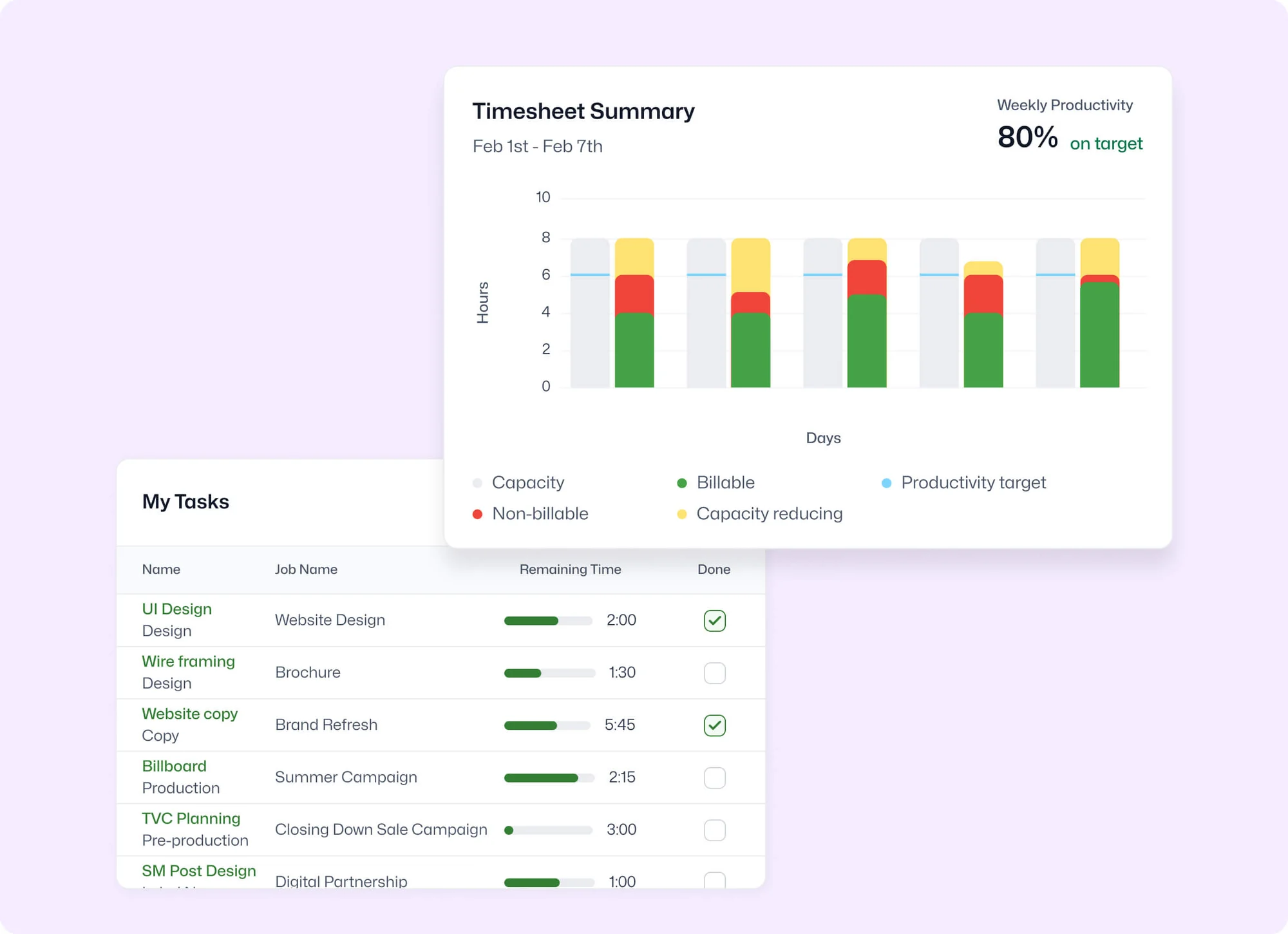
Access detailed timesheet reports to see how time is being spent

features-icon

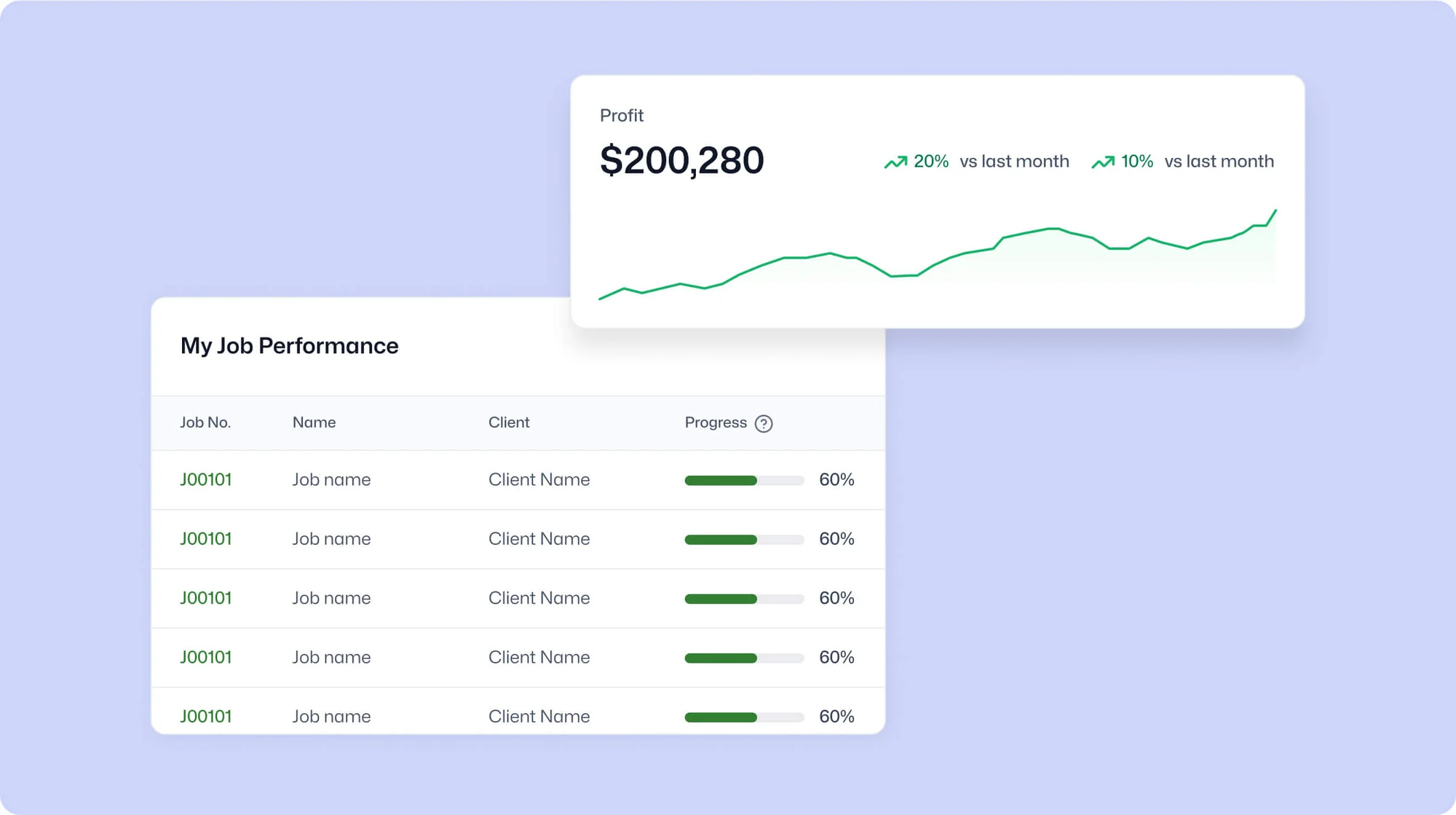
Gain accurate insights into job and business profitability through integrated processes

features-icon

Maintain a keen oversight on productivity for efficient resource allocation

Lead manager
listing-divider

Comprehensive profitability insights

features-icon

Access an instantaneous overview of all billable jobs and assignments

features-icon

Monitor and manage the entire revenue cycle, from invoices to payments

features-icon

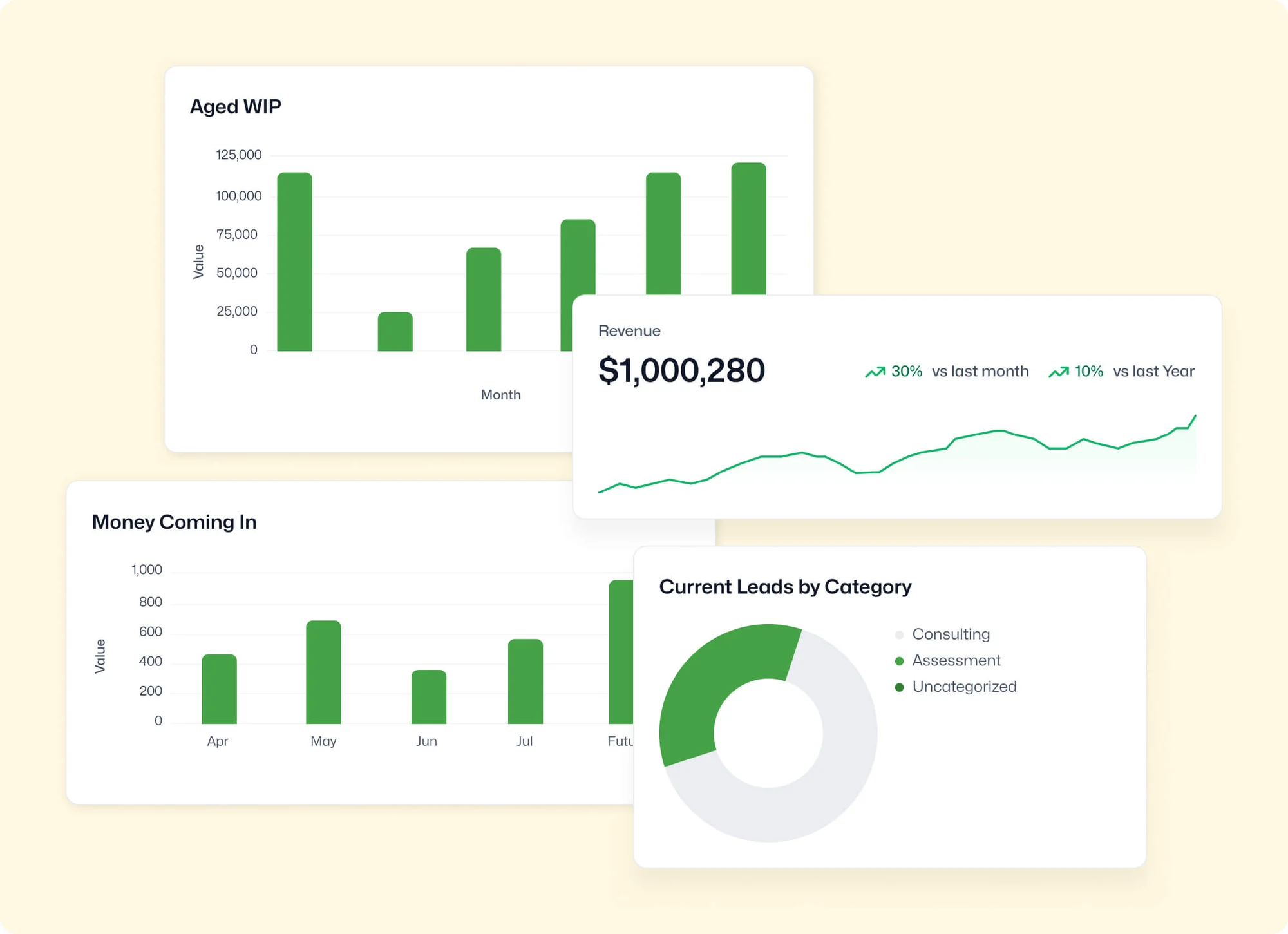
Customise report views to understand work in progress and billing intricacies

Lead manager
listing-divider

Customisable and shareable reporting

features-icon

Design specific reports, tailored for your unique business requirements

features-icon

Add as many or as few fields as you want to get the information you need

features-icon

Share key business insight reports effortlessly with your team and stakeholders automatically via email

Lead manager

WorkflowMAX is essential for our business. It's intuitive, easy to use, and makes us much more efficient in charging projects correctly.

Andrew S.

Episode Two

We moved back and the team actually loves using it—billing is faster and we can see margins live.

Darlene Robertson

Principal, Surveying & Engineering Firm

It’s the same soul with better bones—job costing, timesheets, and invoicing finally work as one.

Floyd Miles

Implementation Partner

WorkflowMAX has made a huge difference to how we run our projects. A great system backed by great support. Highly recommended.

Rob P.

MAF Associates

Any questions?

How does reporting in WorkflowMAX differ from using spreadsheets?

Spreadsheets require manual data entry or exports from multiple systems, creating lag and reconciliation risk. WorkflowMAX reports pull directly from live data time, costs, invoices, WIP so every report reflects the current state of your business. Scheduled delivery, saved filters, and AI insights add automation that spreadsheets can't replicate without significant manual effort.

Can I export reports from WorkflowMAX?

Yes. Reports export as PDF, CSV, or Excel. For large reports, exports process in the background and you're notified by email when ready with a download link in the Exported Reports tab.

What does the WorkflowMAX dashboard show?

The customisable dashboard surfaces at-a-glance widgets such as My Productivity Summary, My Tasks, Quote History, Active Jobs, Aged WIP, Aged Debtors, and Job Progress. Show, hide, and rearrange widgets to prioritise what matters to your role. It's designed to give firm owners and managers a daily pulse check without running individual reports.

How does WorkflowMAX reporting help me track job profitability?

Job profitability reports pull together quoted values, actual time at billable rates, costs incurred, invoiced amounts, and WIP in one view. You can see margin at the job, client, or job category level. Because time, costs, and invoicing all live in the same system, profitability data is always current not reconciled from separate tools at month-end.

Can WorkflowMAX help me spot trends and anomalies in my business data?

Yes. AI Report Insights analyses your custom reports and surfaces a plain-language summary of trends, anomalies, key drivers, and suggested actions. AI Insights requires AI Credits, which are included with Advanced plans or available as an add-on for other plans. The monthly summary report layout also lets you compare financial metrics across months for trend analysis.

What standard reports does WorkflowMAX include?

WorkflowMAX includes over 20 standard reports covering key professional services metrics: aged WIP, aged debtors, job profitability, staff utilisation, productivity, billable time, write-on/off, and more. These are pre-built and ready to run. For anything beyond the standard set, the custom report builder lets you create exactly what you need.

How does the custom report builder work?

The report builder lets you create reports across dozens of data types jobs, time, invoices, WIP, leads, purchase orders, and more. Choose your layout (table, pie chart, or monthly summary), apply filters, select columns, and save for reuse. Filter views let you switch between different slices of the same report without creating separate reports.

Can I schedule reports to run automatically in WorkflowMAX?

Yes. On the Advanced plan, Scheduled Reports lets you configure any saved custom report to run at set intervals and deliver directly to your inbox. Set up weekly utilisation reports, monthly WIP summaries, or fortnightly profitability snapshots without logging in to run them manually.

addt-bg-left

Additional features

addt-bg-right