Users worldwide trust WorkflowMAX to track and manage their jobs.
WorkflowMAX is essential for our business. It's intuitive, easy to use, and makes us much more efficient in charging projects correctly.

Spend less time on admin work, more on valuable client work.
We moved back and the team actually loves using it—billing is faster and we can see margins live.

Users worldwide trust WorkflowMAX to track and manage their jobs.
It’s the same soul with better bones—job costing, timesheets, and invoicing finally work as one.

Purpose-built for accountants, architects, engineers, and consultants – not retrofitted from generic project management software.
WorkflowMAX has made a huge difference to how we run our projects. A great system backed by great support. Highly recommended.

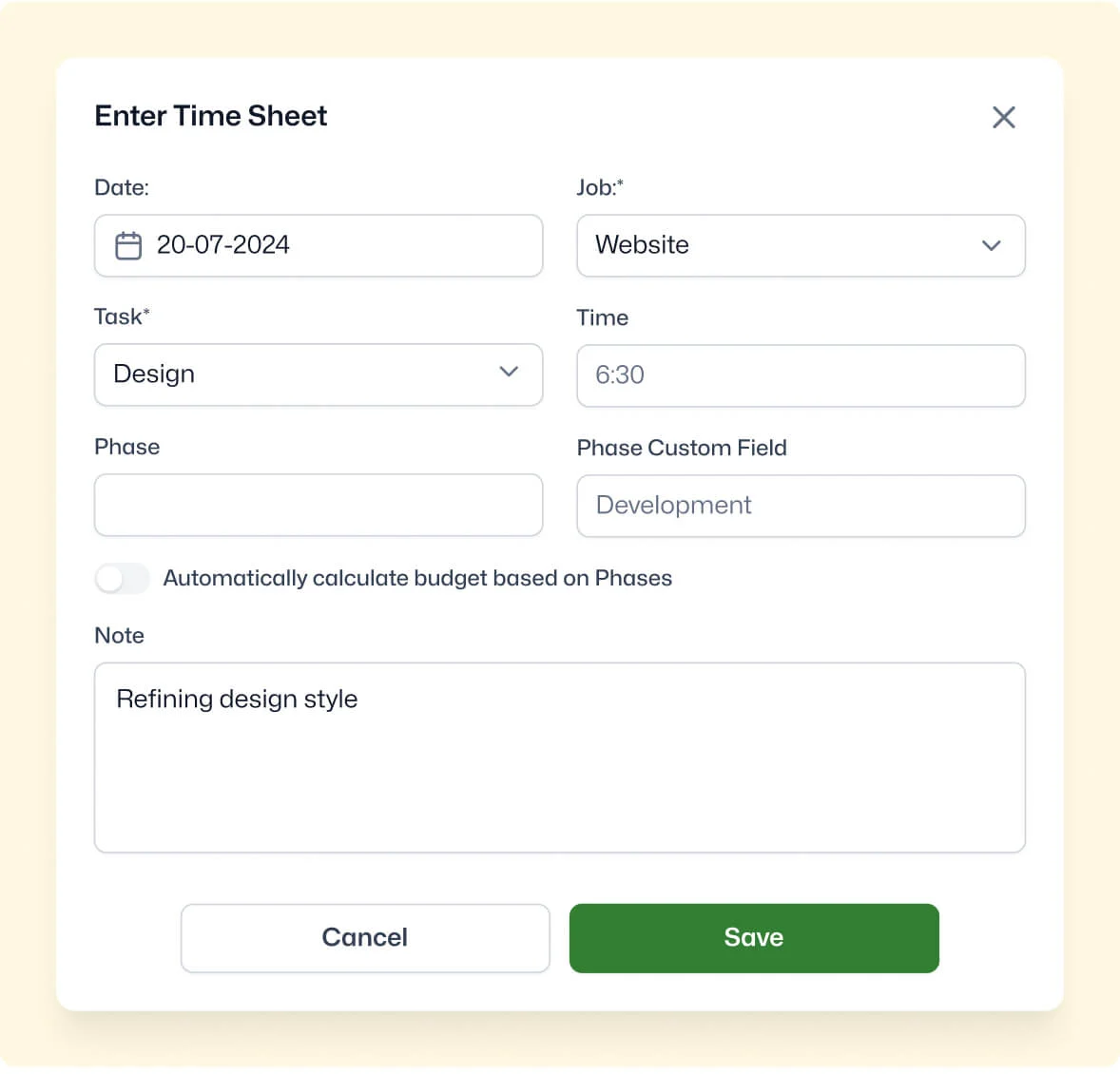
Yes. You can configure custom fields on timesheet entries to capture additional data specific to how your team records time such as overtime type, shift classification, or billable category. These fields appear across all entry methods including the weekly timesheet view, ensuring consistent data capture regardless of how staff log time. Custom timesheet fields also flow into reporting, giving you structured data beyond just hours and job references.

Yes. Custom invoice templates let you include as much or as little timesheet detail as your client requires from a one-line summary to breakdowns showing dates, staff names, descriptions, hours, and rates. This is useful for clients who need to reconcile billed hours against project phases or contractual milestones before approving payment.

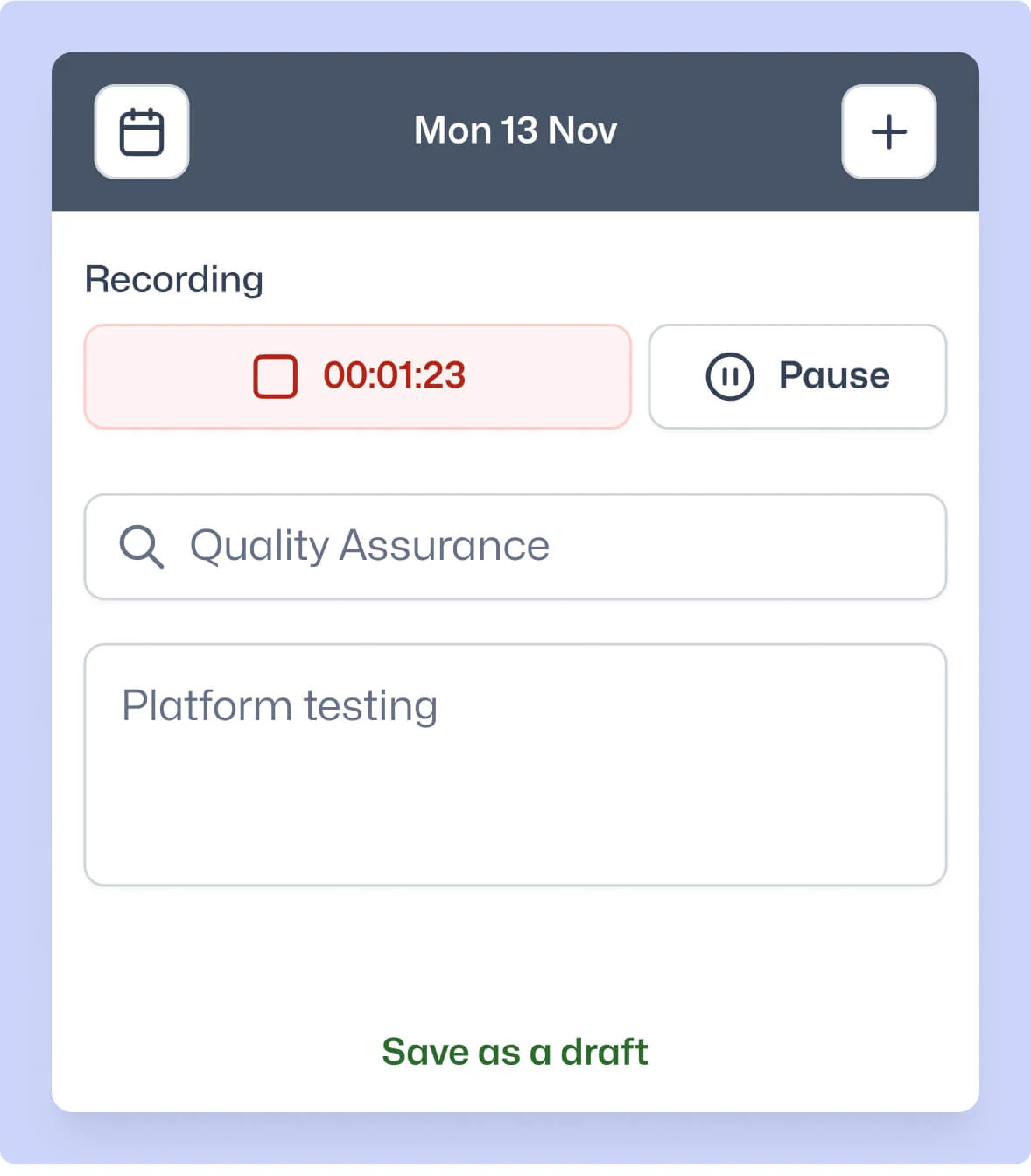
WorkflowMAX attacks revenue leakage at multiple points: draft time entries let staff capture partial work immediately, the timer widget records time passively, calendar integration recovers meeting hours, and reminders chase outstanding submissions automatically. When every entry flows into WIP and invoicing in the same system, there's no gap between time worked and time billed.
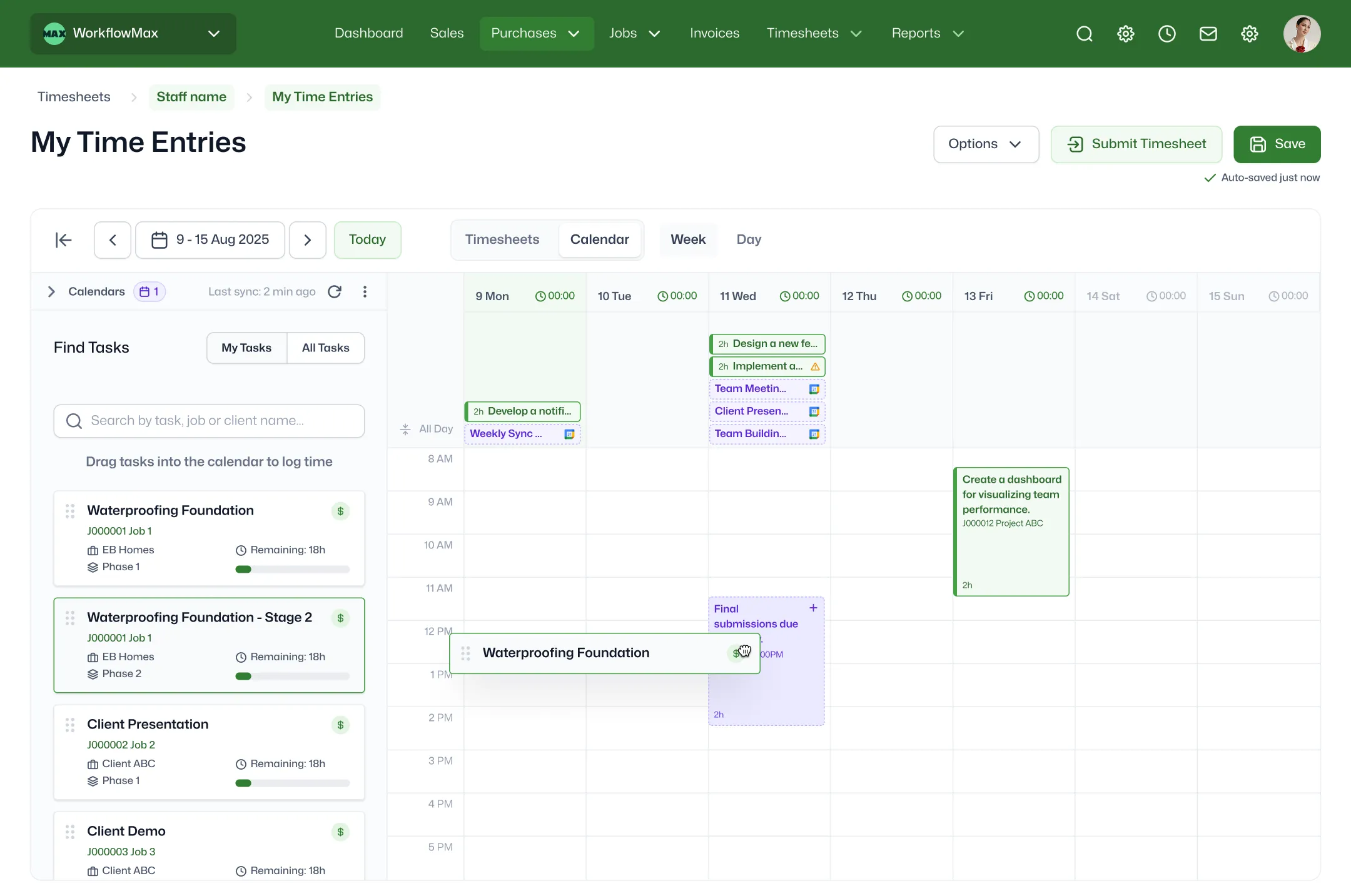
With the Integrated Calendar feature (Advanced plan), WorkflowMAX syncs your Google or Outlook calendar events directly into a calendar view within the platform. From there, you convert meetings and appointments into time entries with a few clicks selecting the job and task each relates to. For firms where staff spend significant time in client meetings, this eliminates double data entry and recovers billable hours that would otherwise go unrecorded.
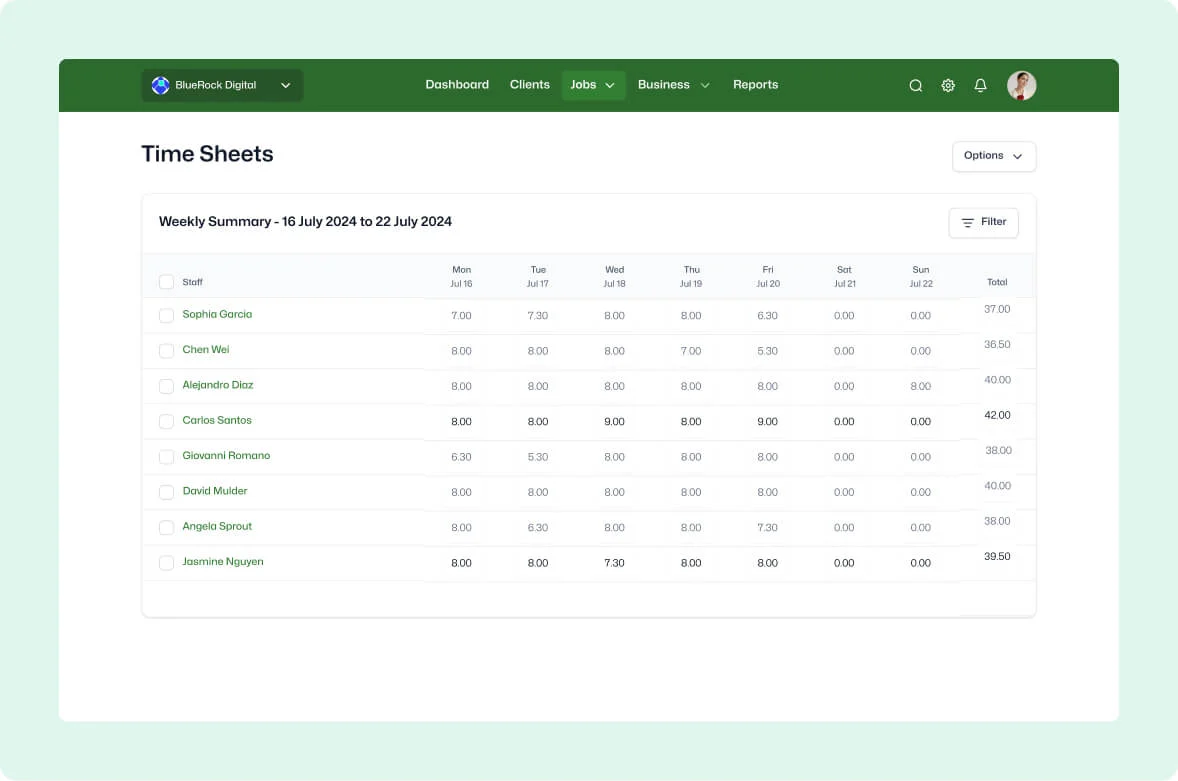
Run a time report in the custom report builder to see submitted hours by staff, job, client, or date range filterable and exportable. Combine this with the KPI and Productivity dashboards for real-time utilisation metrics without building separate spreadsheets. Purpose-built time reporting means your data is always connected to job profitability and WIP unlike standalone time trackers that require manual reconciliation with your billing system.
WorkflowMAX automates the timesheet chase with configurable reminders that prompt staff to submit by your deadline, and a formal approval workflow that lets managers review and approve entries before they flow to invoicing. Reminders are available on Professional and Advanced plans, with approvals on Advanced. This removes the manual follow-up loop and ensures only verified time reaches your invoices.
Yes. The WorkflowMAX mobile app (iOS and Android) supports full time entry including timer-based, daily, and weekly views so staff can capture hours from anywhere. Entries sync instantly, appearing in job costing and utilisation reports in real time. For firms with field-based teams, mobile time capture eliminates the end-of-week scramble to reconstruct hours from memory.
Every time entry is tagged as billable or non-billable at the task level, giving you automatic separation across reports and invoices. Staff can also override the task-level default on individual timesheet entries when a specific piece of work needs different treatment. This flows through to job costing, WIP, and invoicing without manual reclassification so your profitability reports reflect real margins, not assumptions.


No credit-card required
24/7 Support
No contracts
Cancel anytime