XERO INTEGRATION

Turbocharge your business with Xero

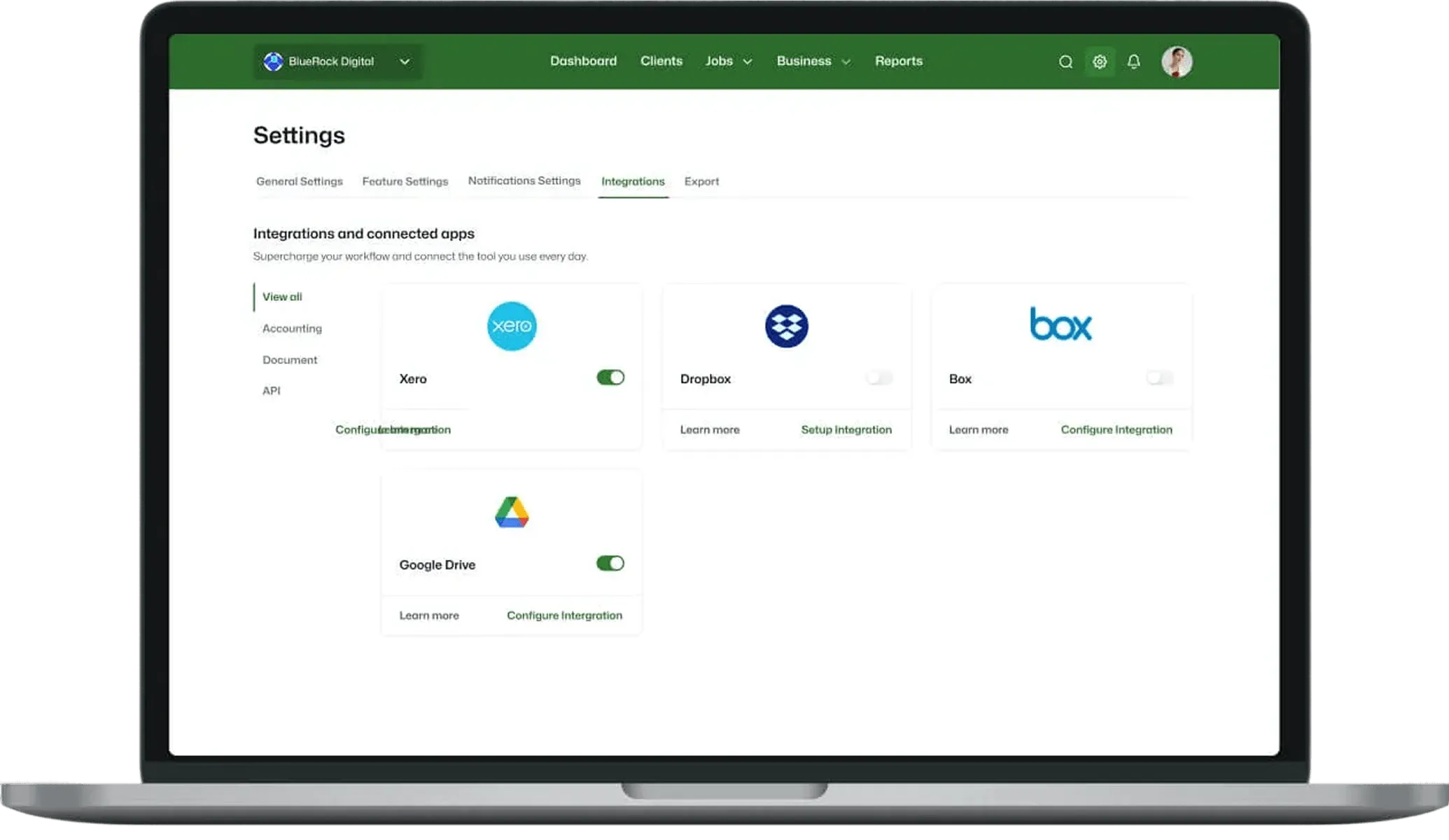
Integrate Xero with WorkflowMAX and elevate business performance. With WorkflowMAX, key data effortlessly syncs with Xero, slashing time and bypassing redundant tasks.

No Credit Card Required.

How WorkflowMAX works with Xero

Both of these two tools goes hand in hand to make your job and work more easier and better. Here’s how:

Seamless integration and automation

features-icon

Instantly push and approve sales invoices in WorkflowMAX, auto-replicating them in Xero.

features-icon

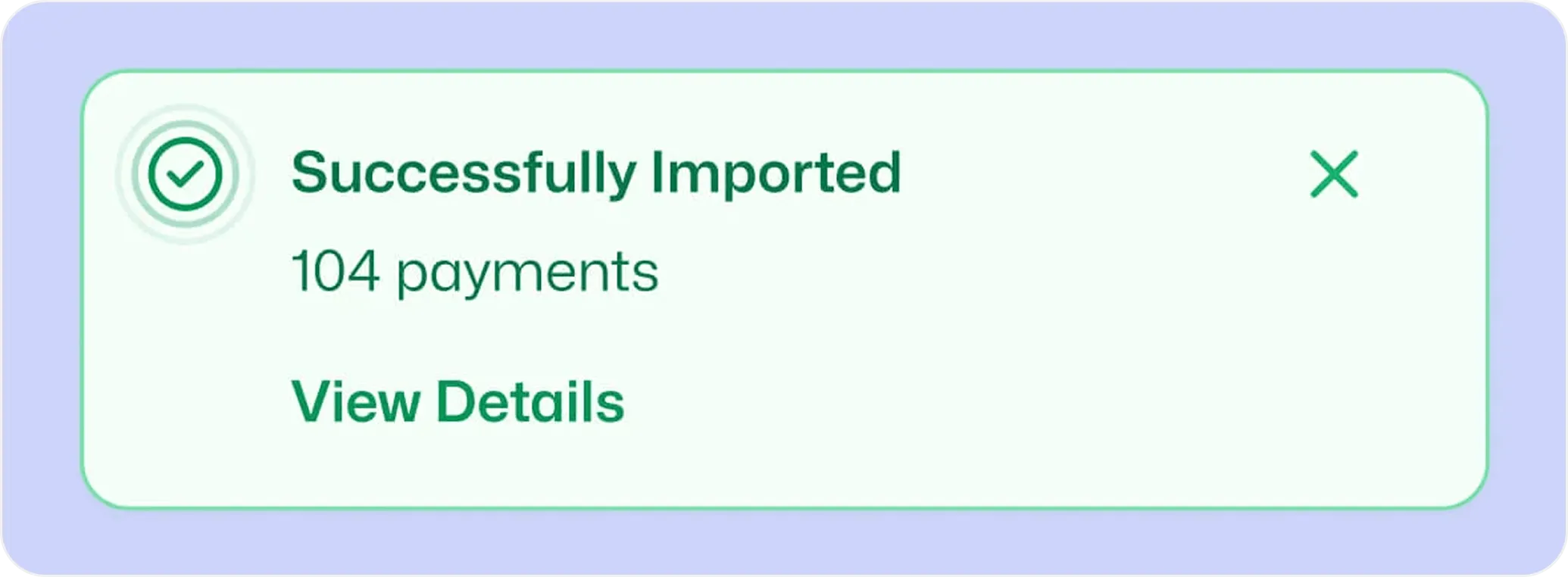
Automatically sync customer payments, keeping both systems reconciled in real time.

features-icon

Entering your suppliers’ invoices into WorkflowMAX will update your job profitability reporting and create a bill payable in Xero.

Lead manager

Robust accuracy and reliability

features-icon

Achieve real-time synchronisation between WorkflowMAX and Xero for reliable data

features-icon

Gain accurate insights into job and business profitability through integrated processes

Lead manager

Time-saving one-click solution

features-icon

Eliminate duplicate admin work and errors with instant, one-click data movement

features-icon

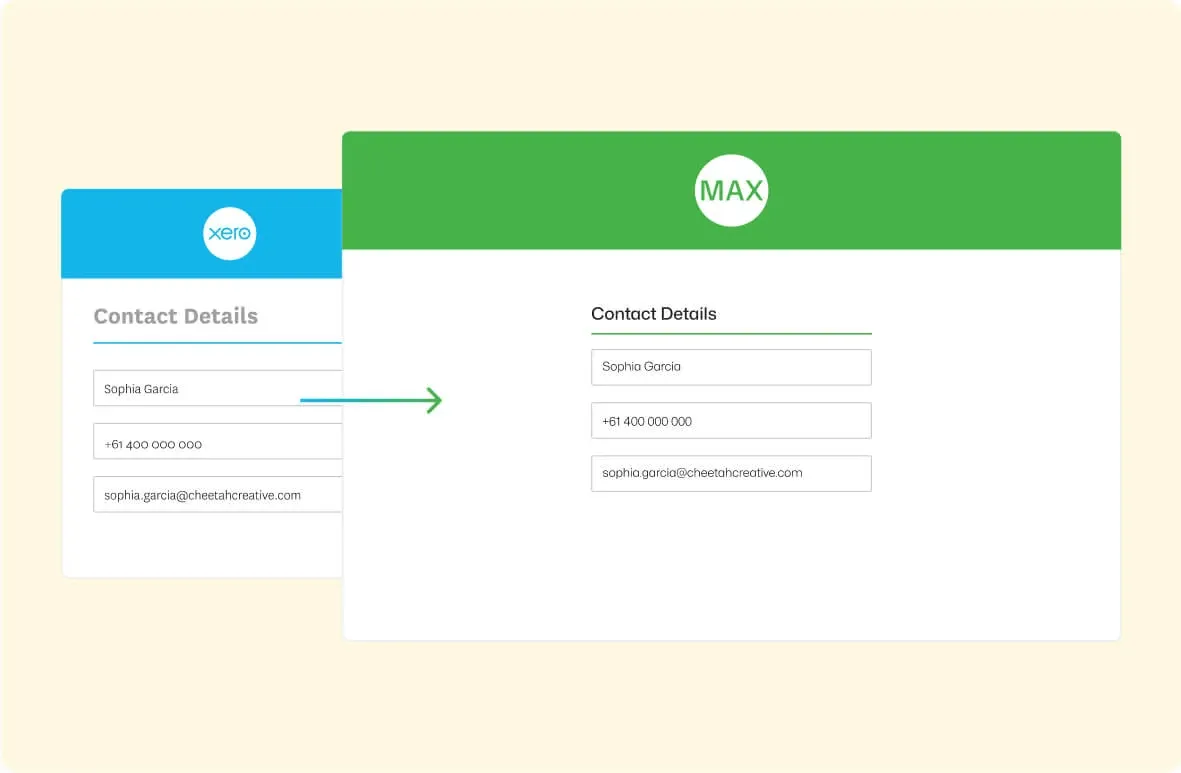
Automatically update contact information in both systems, avoiding redundant entries

features-icon

Have more time to focus on important tasks

Lead manager

Comprehensive business management

features-icon

Rely on real-time reconciled data for dependable job and financial management reports

features-icon

Tailor the integration between WorkflowMAX and Xero to suit your particular business needs

features-icon

Get world-class job and numbers management for a fraction of the cost of other systems

Lead manager

Timesheet export

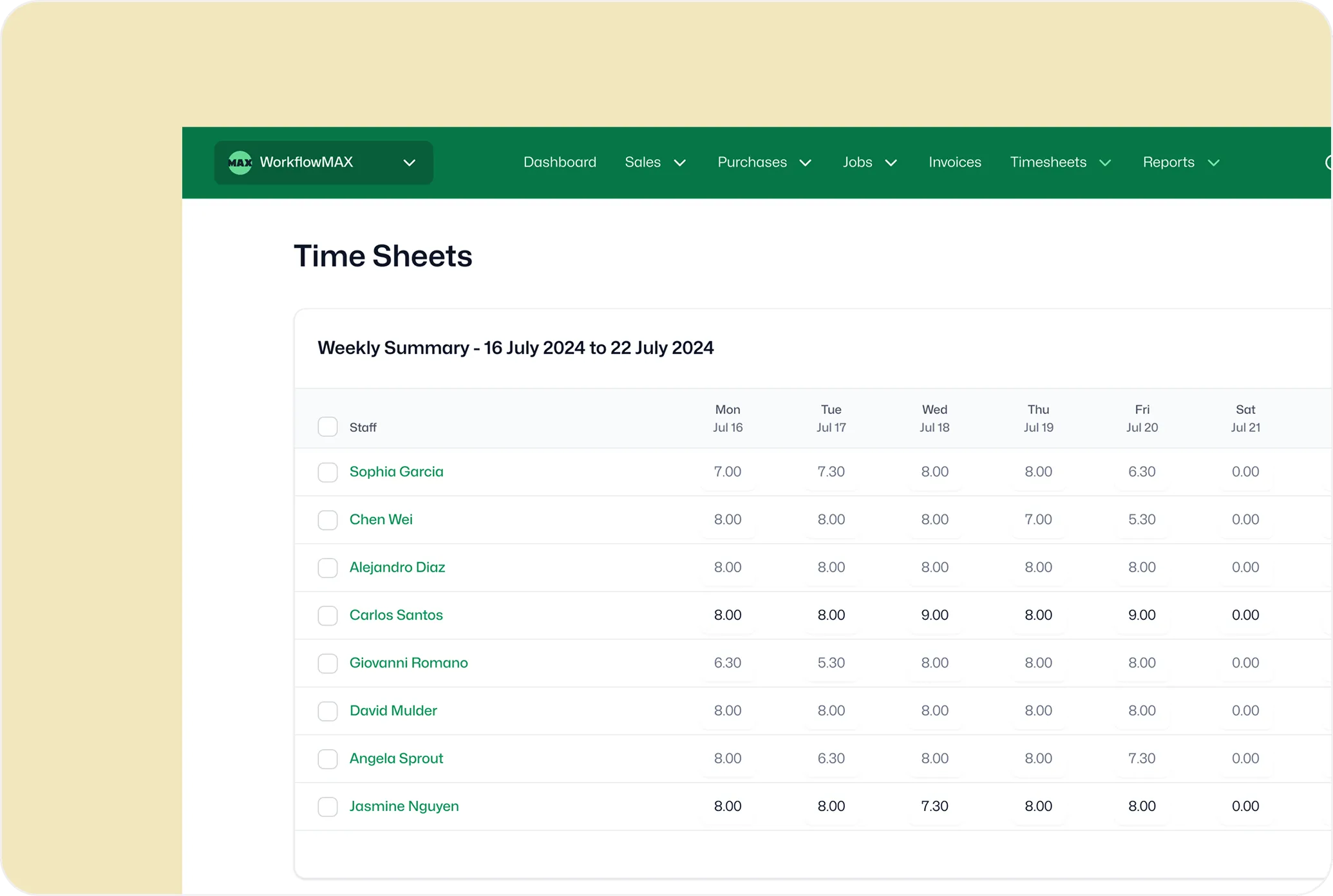
If you're in Australia or New Zealand, WorkflowMAX lets you export approved weekly timesheets directly into Xero Payroll – eliminating manual entry and making payroll runs far more efficient. With a simple export, total hours for each staff member are sent straight from WorkflowMAX to your open Xero pay run, ensuring accuracy and saving valuable admin time.

Lead manager
WorkflowMAX has transformed how my clients manage projects. Its powerful features streamline every aspect of job management at an unbeatable value. The pricing is incredibly reasonable for the efficiency and control it brings to business operations.

Michelle JV Rensberg

Nimacc Business Intelligence

Client Imageclient-img-mobile

Frequently asked questions

How deep is the WorkflowMAX integration with Xero?

WorkflowMAX has a native, bi-directional integration with Xero  not a third-party connector. Invoices flow to Xero as draft or approved (your choice), payment statuses sync back automatically, contacts stay in sync, and account codes map at the job category, task, or cost level. Built on 14+ years within the Xero ecosystem, it's the deepest Xero integration available in any job management platform.

Does WorkflowMAX sync invoice payments from Xero automatically?

Yes. When a client pays an invoice in Xero, the payment status syncs back to WorkflowMAX automatically so your job financials and aged debtor reports are always current without manual updates.

Can I control which Xero account codes and tracking categories my invoices are mapped to?

You can map both revenue account codes and tracking categories at three levels: a generic default, by job category, or down to individual tasks and costs. When you issue an invoice, WorkflowMAX automatically applies the correct codes and categories, so line items land in the right accounts and reporting segments without manual intervention. For firms with multiple service lines, this means clean P&L segmentation with zero extra effort.

Do I send invoices to clients from WorkflowMAX or Xero?

WorkflowMAX is the recommended sending point it gives you richer presentation options including detailed timesheet breakdowns, branded templates, and phase-level line items that professional services clients expect. Once approved, the invoice and all line-item detail flows to Xero for accounting. You can send from Xero if needed, but most firms get better results using WorkflowMAX's purpose-built invoice templates.

Can WorkflowMAX export timesheets to Xero Payroll?

Yes. WorkflowMAX can export approved timesheet data to Xero Payroll for Australian and New Zealand payroll runs, reducing manual re-entry of hours. This connects job-level time tracking directly to payroll in a single flow.

What happens to my Xero contacts when I connect WorkflowMAX?

On initial setup, import your full Xero contact database into WorkflowMAX with a few clicks. Ongoing, contacts stay synchronised so updates in either platform are reflected in the other. For firms already running their practice through Xero, this means a zero-friction starting point.

Why do accounting firms choose WorkflowMAX over other Xero-connected job management tools?

WorkflowMAX offers the tightest Xero integration available bi-directional sync, account code and tracking category mapping at granular levels, payroll export, and automatic payment tracking. Combined with purpose-built WIP management, write-on/off, and practice-level profitability reporting, it's designed for firms where Xero is the financial backbone.

If I raise purchase orders in WorkflowMAX, do they flow to Xero?

Purchase orders themselves don't sync because they're requests to buy, not financial transactions. When you receipt a PO, the resulting cost entry becomes a bill that flows to Xero as an accounts payable item. This keeps your Xero ledger clean while WorkflowMAX manages the full procurement workflow.

addt-bg-left

Additional features

addt-bg-right