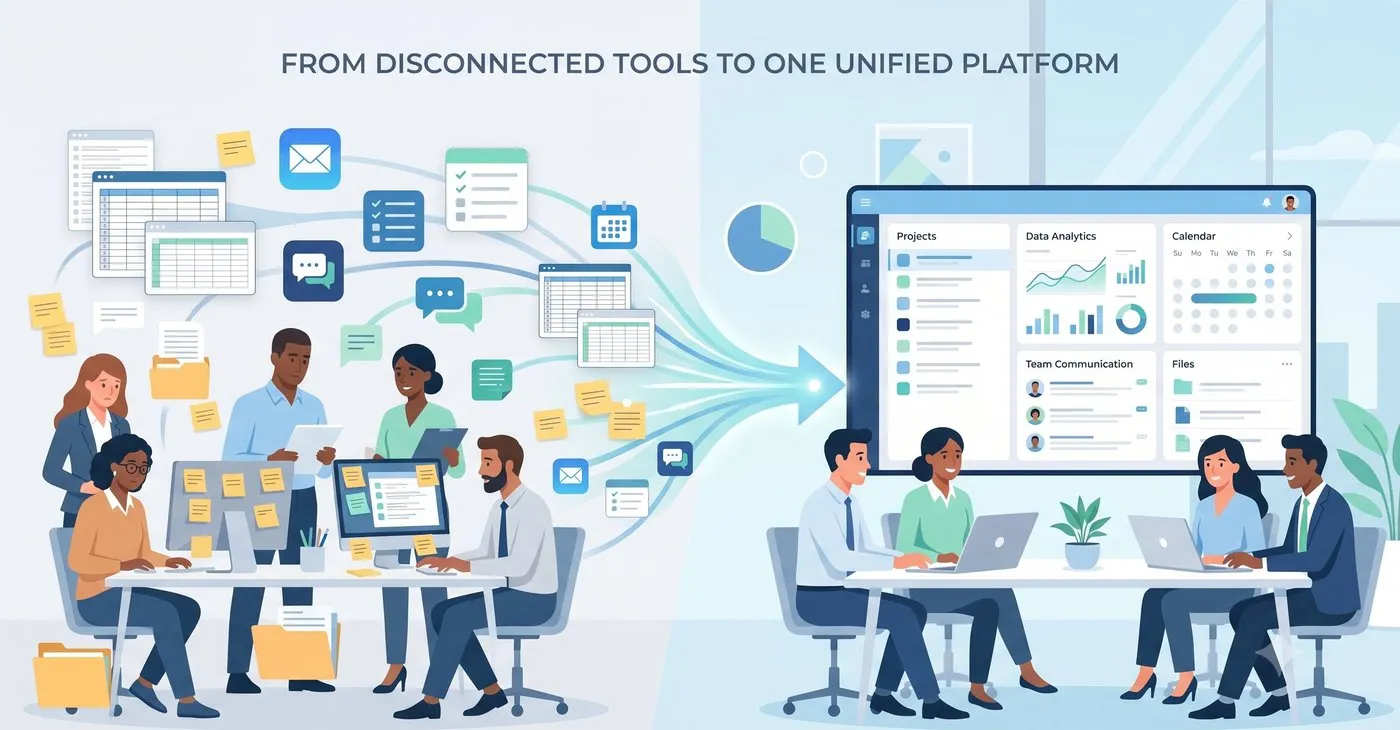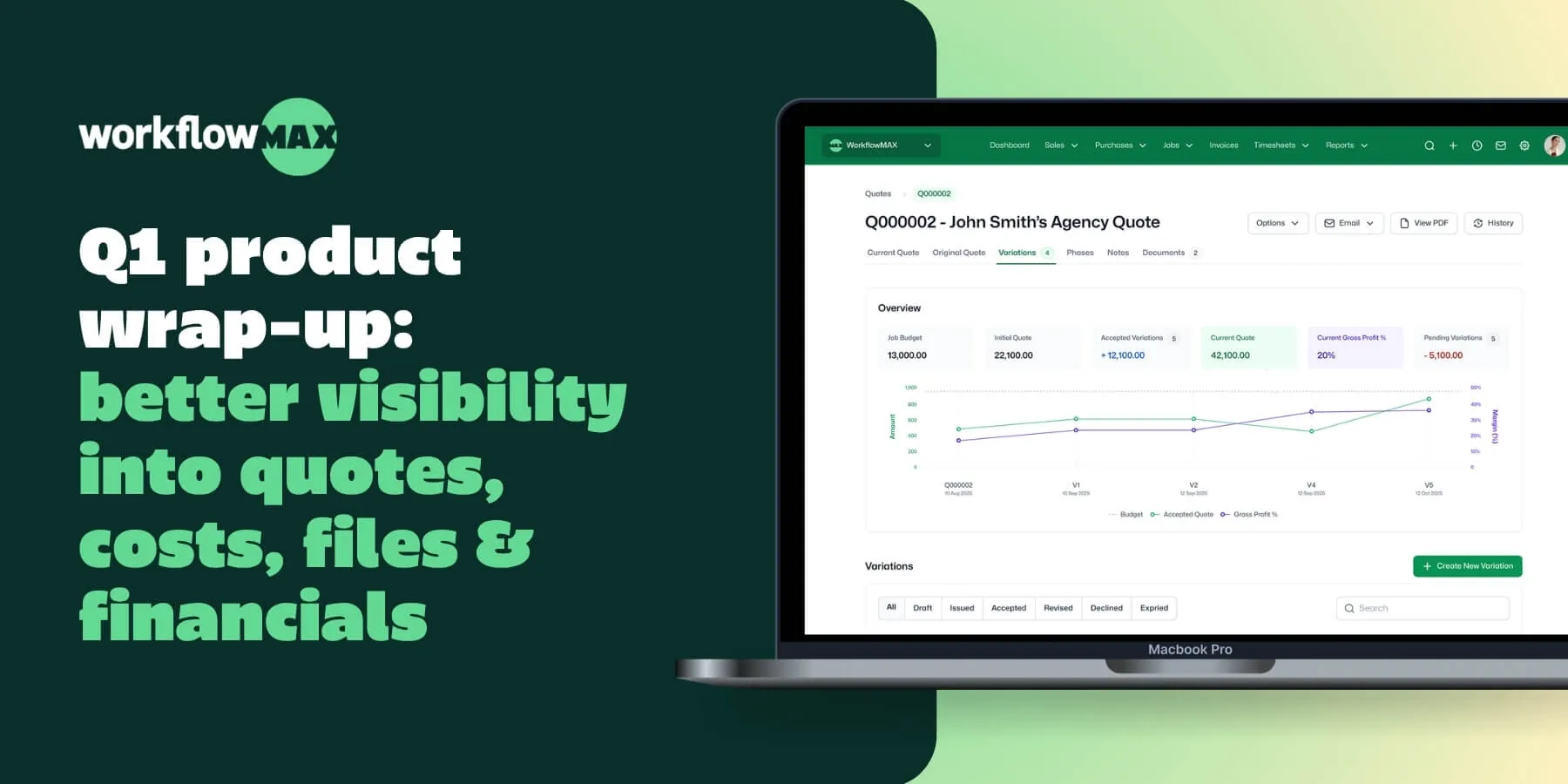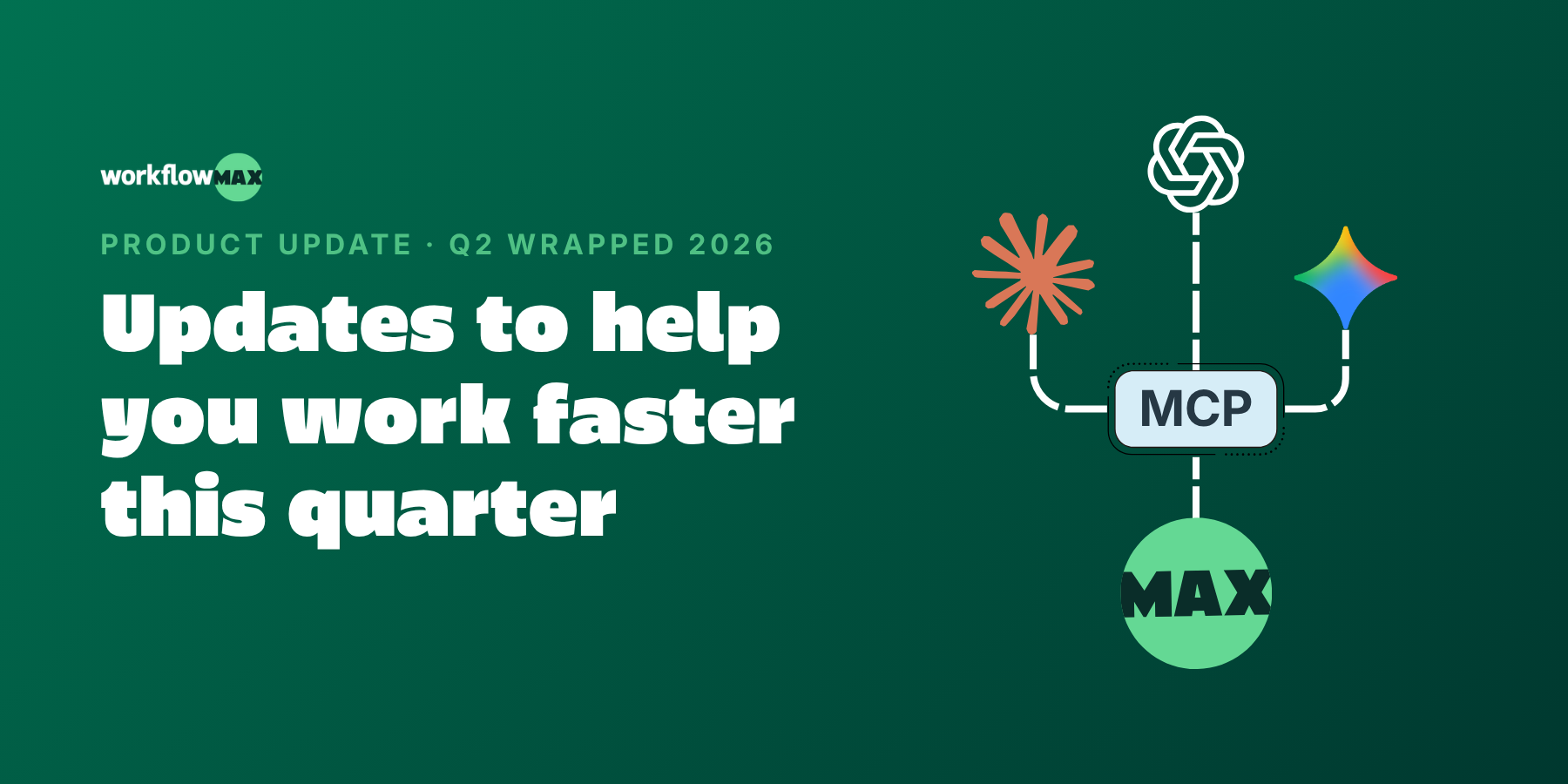
This quarter was about closing the gaps between winning work and getting paid for it, and bringing AI closer to where you actually work. MCP connects WorkflowMAX to the AI tools you already use. Online Quote Acceptance (eQuote) turns quote sign-off into a click. Sales Pipeline gives you a clear view of what's coming. And a batch of workflow upgrades (email templates, job cost moves, and more) take the friction out of the everyday. Watch the Q2 product wrapped here.

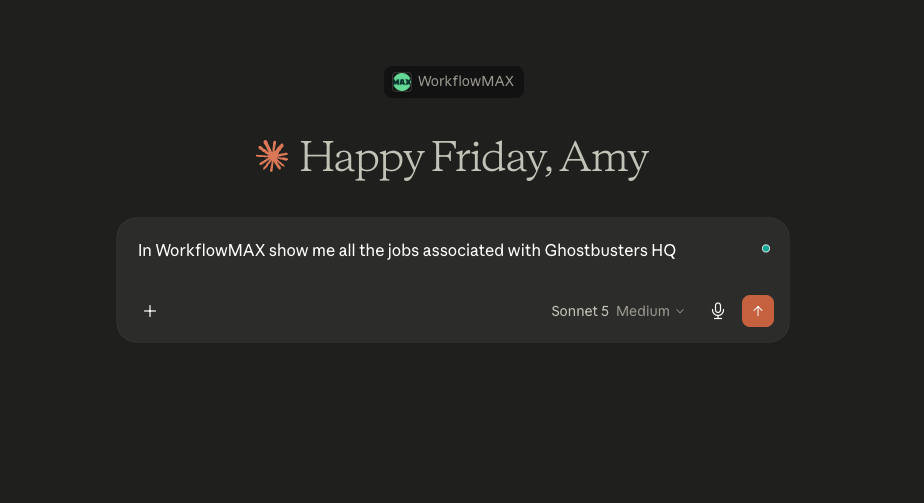
🤖 MCP: Ask your job data anything, in plain English
The problem: Your project and job data lives in WorkflowMAX, but the questions you want to ask it ("which jobs are over budget?", "what's my WIP this month?") mean logging in, running a report, and reading it yourself.
What's new: MCP (Model Context Protocol) securely connects your WorkflowMAX data to AI assistants, so you can ask questions in plain language and get answers pulled straight from your live data.
Why it matters: For engineering, architecture, IT and consulting firms juggling dozens of live jobs, it's the difference between hunting for an answer and just asking for it. Less time in reports, more time on the work that bills.
Available on the Advanced plan. Free 14-day trial on all other plans.
✅ Online Quote Acceptance: Send a quote, get it signed, without the back-and-forth
The problem: You send a quote as a PDF, then wait. The client means to reply, forgets, and you're chasing an email thread to find out whether you've won the work.
What's new: eQuote lets clients review and accept your quote online all in WorkflowMAX. They open it, review it, approve it. No printing, no PDFs, no back-and-forth.
Why it matters: For firms where every quote is billable time waiting to start, faster sign-off means faster starts and cleaner cash flow. And you always know exactly where a quote stands.
Available in beta on Pro and Advanced plans. Free 14-day trial on all other plans.
📅 Leave Management: Plan around real availability, not guesswork
The problem: You schedule the work, then find out halfway through that a key person is on leave. Availability lives in a separate system (or nowhere at all), so planning is always one surprise away from a reshuffle.
What's new: Now in beta, Leave Management brings requests, approvals, and availability into WorkflowMAX. Your team requests leave, managers approve it in-app, and availability updates automatically, feeding straight into how you plan jobs.
Why it matters: Project planning based on real data instead of a spreadsheet or a hunch. Fewer clashes, fewer last-minute scrambles, and a clearer view of who can actually take on the next job.
Available in beta on Pro and Advanced plans. Free 14-day trial on all other plans.
📊 Sales Pipeline: See what's coming before it lands
The problem: You know roughly what work is in the pipeline, but it lives across inboxes, spreadsheets and memory. When you need to forecast capacity or cash, you're guessing.
What's new: Sales Pipeline gives you a single visual view of every lead and opportunity, from first conversation to won work, so you can track what's likely to land and when.
Why it matters: Better forecasting means better planning. You can line up resourcing and cash flow around work you can actually see coming, instead of reacting when it arrives.
Available on Pro and Advanced plans, or with the Lead Manager add-on.
Also shipped this quarter
✉️ Customisable email templates and file naming:
The problem: You send the same "here's your quote" or "invoice attached" note twenty times a week, retyping it, tweaking it, and hoping it reads consistently across everyone on the team. And exported files land in your client's inbox as "Invoice_export_final(3).pdf."
What's new: Admins can build reusable email and custom print templates once, so every client-facing message goes out on-brand no matter who hits send. Custom file naming lets you control how exported documents are labelled, too.
Why it matters: Consistency without the copy-paste. Your team sends polished, uniform communications in less time, and the files you send are named the way your clients actually want to file them.
🔄 Move job costs and POs between jobs
The problem: Anyone running multiple concurrent projects has done it: logged a cost or a purchase order against the wrong job. Fixing it used to mean deleting and re-entering, or leaving it and quietly distorting the margin on two jobs at once.
What's new: You can now move costs and purchase orders to the job they belong to in a few clicks, no deleting and re-keying required.
Why it matters: Your profitability reporting reflects what actually happened, not what got mis-keyed on a busy Friday. Cleaner numbers, less rework, and margins you can trust.
📋 Custom fields on Purchase Orders
The problem: Every industry has that one detail the standard PO never captured: a required delivery date for a construction site, a drawing reference for a design job, a supplier account code for finance. So it ends up in a follow-up email instead of on the document.
What's new: Add the custom fields your team needs to capture on every PO, so the important detail lives right on the purchase order itself.
Why it matters: Fewer chasing emails and less missing information. Everything a supplier or your finance team needs is captured up front, on the document, every time.

↔️ Full-width views and adjustable columns
The problem: When you're scanning a job list or a WIP report, the data you care about is often the column you can't quite see, so you're scrolling sideways or squinting at cramped screens.
What's new: Full-width views and resizable columns let you fit more on screen and adjust each column to suit the view you're working in.
Why it matters: The numbers that matter (budget, spent, remaining) sit right where your eye lands. A small change, but a meaningful one when you're living in these screens all day.
What's coming next:
Here's a taste of what we're working on:
- 📷 AI Bill Capture: Snap a photo of a receipt and have the details pulled out automatically, right in the browser.
- ☑️ More powerful to-dos: Smarter, more flexible to-dos that help your team keep track of what they're responsible for, and when it's due.
- 💱 Multi-currency on Quotes and Invoices: Quote and bill clients in their own currency, so working with overseas customers is as simple as working with local ones.
We can't wait to see how you put these to work. As always, keep the feedback coming - it directly shapes what we build next.
.jpg)