Make client management  a breeze

Client manager

Client relationship management is easy in WorkflowMAX. All the tools you need for more productive and profitable relationships are right here.

Centralised client information

features-icon

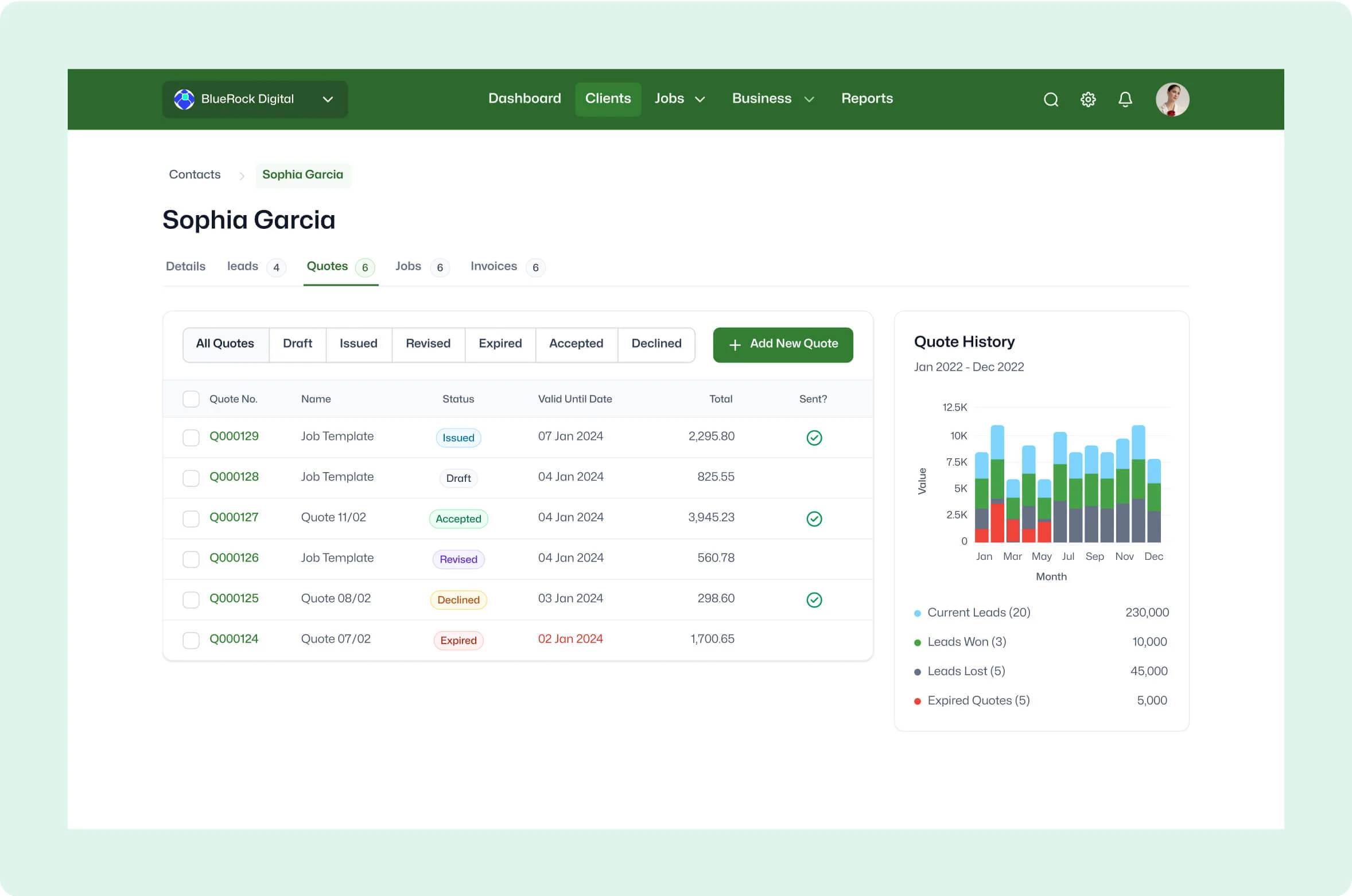
Get an at-a-glance look at any client, any time

features-icon

Access client records, contact details, communication history, and project-related information

features-icon

Efficiently manage and update client information in real time

Lead manager
listing-divider

Easy contact retrieval

features-icon

Effortlessly find contact details within WorkflowMAX and reduce the need to search through various platforms

features-icon

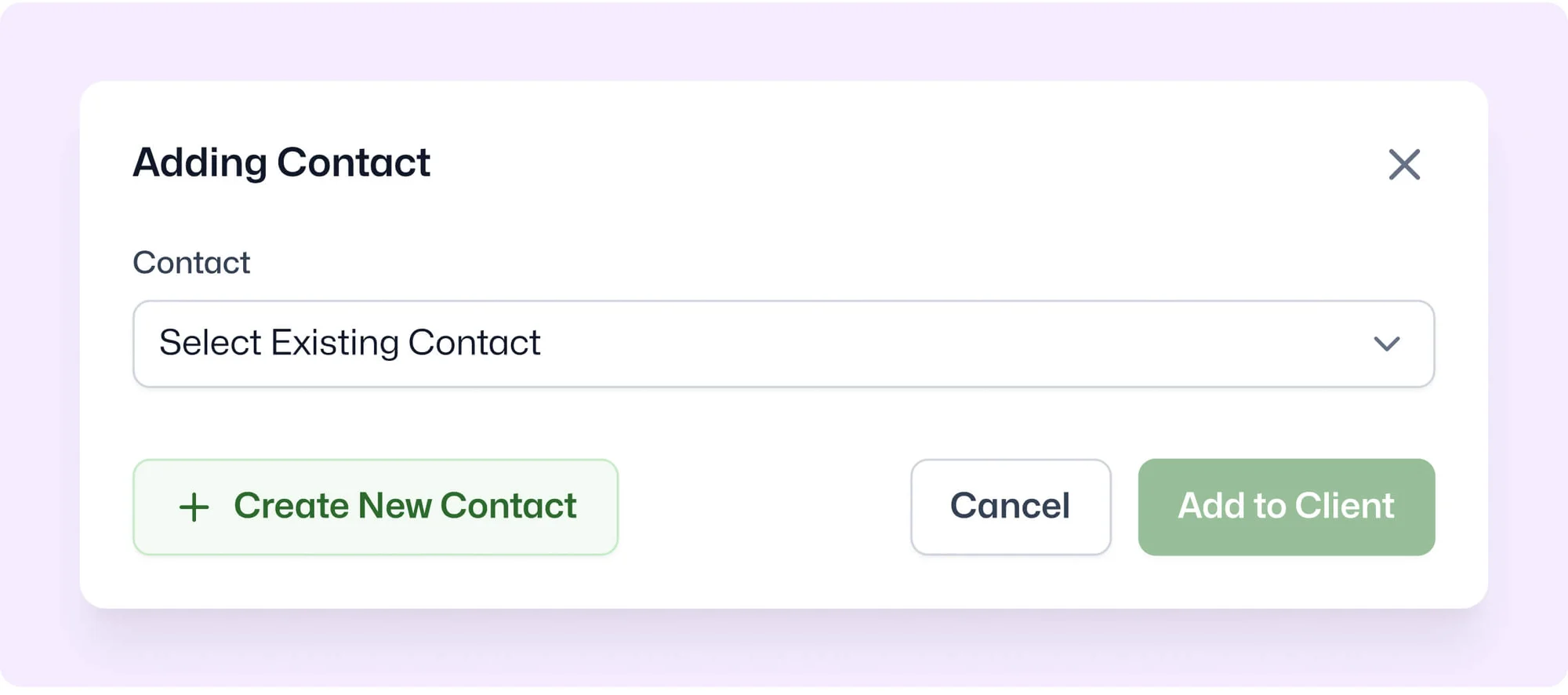
Add multiple contacts to a single client record so all relevant individuals are easily accessible

features-icon

Enjoy the convenience of initiating communication with clients directly from the platform

Lead manager
listing-divider

Global search functionality

features-icon

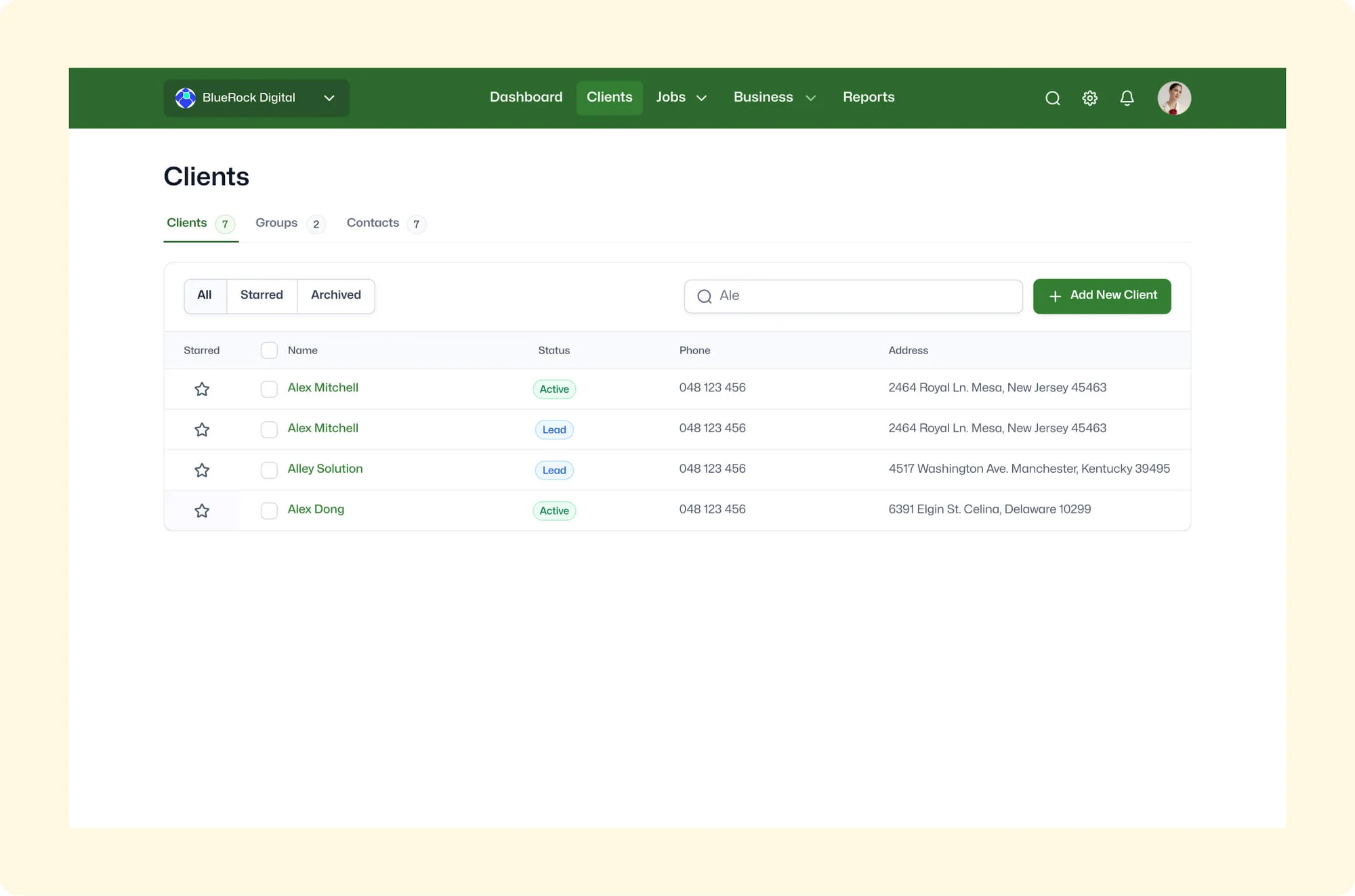
Perform lightning-fast client and contact searches by typing a few letters of their name

features-icon

Improve productivity with instant access to client information without navigating through multiple menus

features-icon

Locate client records even in large databases

Lead manager
listing-divider

Customisable client data

features-icon

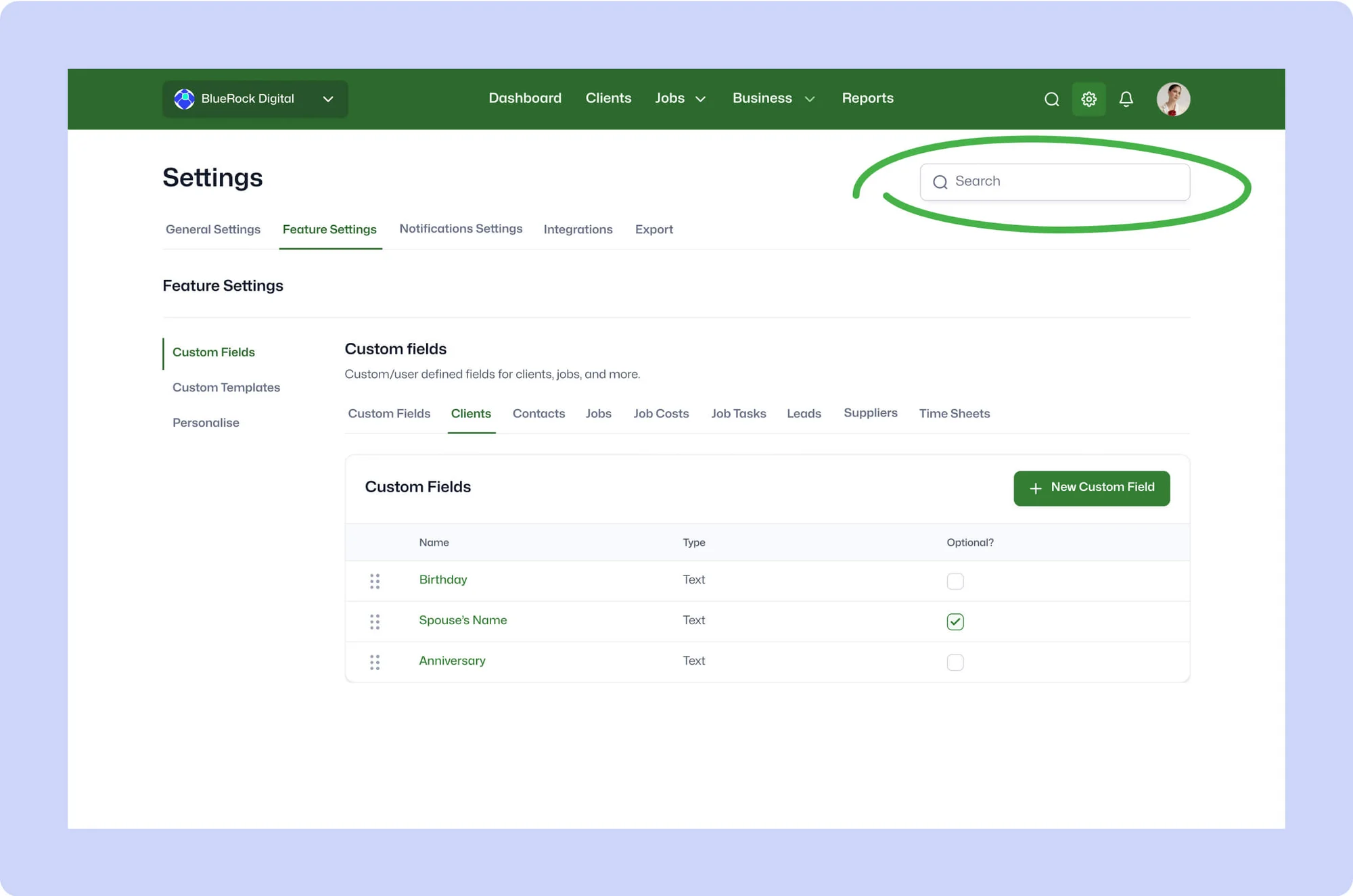
Tailor client profiles to your specific business needs, storing unique information such as birthdays, preferences or special requests

features-icon

Create a more personalised and engaging client service experience by leveraging stored custom data

features-icon

Strengthen client relationships by demonstrating your attention to detail and commitment to meeting their individual needs

Lead manager
No items found.

We moved back and the team actually loves using it—billing is faster and we can see margins live.

Darlene Robertson

Principal, Surveying & Engineering Firm

It’s the same soul with better bones—job costing, timesheets, and invoicing finally work as one.

Floyd Miles

Implementation Partner

No items found.

Any questions?

Can I import my existing client database into WorkflowMAX?

Yes. If you use Xero or QuickBooks, import your full contact database with a few clicks. Otherwise, prepare a simple CSV with your client and contact data and import in bulk. Either way, you don't need to manually create each client record.

Can I store multiple contacts against a single client?

Yes. Add as many contacts as needed per client organisation useful for firms working with different stakeholders across projects. Each contact can be linked individually to jobs and communications.

What are client types in WorkflowMAX and how do they work?

Client types let you group clients by payment terms, markup percentages, or service tier. Create types like 'Gold', 'Standard', or 'Retainer' and assign them to clients. This drives default billing behaviour and lets you report on revenue and profitability by client segment.

How does WorkflowMAX keep client data in sync with my accounting software?

The Xero and QuickBooks integrations sync contacts bi-directionally, so updates made in either platform are reflected in the other. New clients created in WorkflowMAX flow to your accounting software, and changes sync back. This eliminates duplicate data entry and ensures client details are always consistent across both systems.

Can I see all jobs, quotes, and invoices for a client in one place?

Yes. The client record surfaces all associated jobs, quotes, leads, invoices, contacts, and notes in a single view. This gives you a complete relationship history without navigating between different modules.

How does WorkflowMAX help engineering consultancies manage their client relationships?

Engineering consultancies typically manage complex client relationships across multiple concurrent projects and disciplines. Client Manager organises every client with their contacts, job history, billing preferences, and payment terms all linked to your accounting platform for seamless invoicing. Combined with job templates for recurring engagement types, it turns client management into a structured, repeatable process.

addt-bg-left

Additional features

addt-bg-right