EzzyBills INTEGRATION

Integrate with EzzyBills

Say goodbye to manual data entry and approvals.

No Credit Card Required.

How WorkflowMAX works with EzzyBills

Both of these two tools goes hand in hand to make your job and work more easier and better. Here’s how:

Email or drag and drop supplier invoices

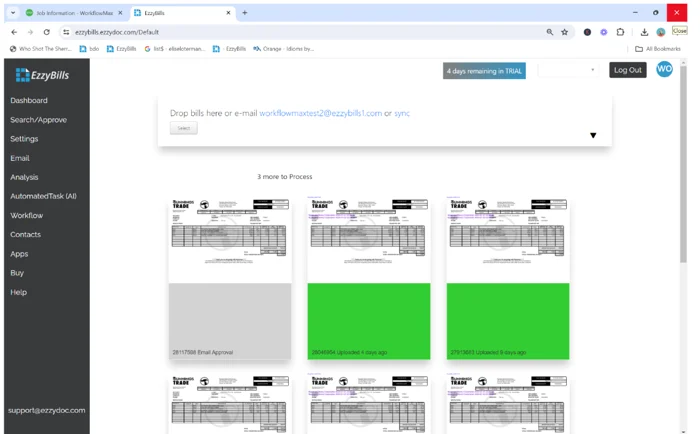
To automatically import your supplier invoices, you can email or drag and drop them into your EzzyBills dashboard. The invoice’s line-item details will automatically populate the job you select in WorkflowMAX.

Lead manager

Capture data from receipts using the mobile application

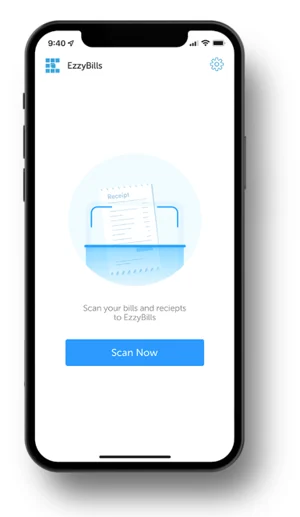
Download the EzzyBills Mobile App from Google Play or the App Store. Simply take a photo of your receipts, then allocate them to a job in WorkflowMAX. EzzyBills will automatically import the supplier and line-item details for you.

Lead manager

Automate management approvals and other advanced workflows

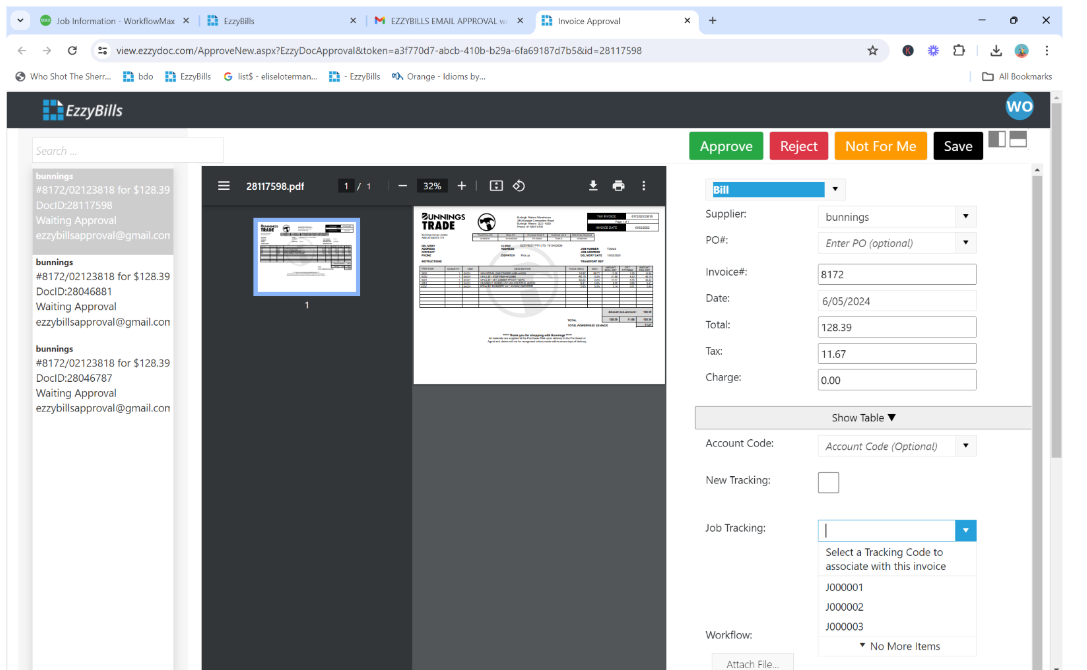
Setup multi-level management approvals where managers receive email notifications to automatically approve invoices based on dollar value, supplier, GL code, or job number.  

Setup instructions  -->
Lead manager

Are you a bookkeeper, accountant, or cloud integrator?

features-icon

Work with EzzyBills to receive 1:1 demos of our integration, priority support, and the ability to make feature requests on behalf of your clients

features-icon

Receive a partner account with a single sign on dashboard to manage your clients’ accounts in one place

features-icon

Discounts and/or referral schemes available. Contact us at support@ezzydoc.com for more information.

Learn More -->
Lead manager
WorkflowMAX has transformed how my clients manage projects. Its powerful features streamline every aspect of job management at an unbeatable value. The pricing is incredibly reasonable for the efficiency and control it brings to business operations.

Michelle JV Rensberg

Nimacc Business Intelligence

Client Imageclient-img-mobile

Frequently asked questions

Does EzzyBills work alongside the Xero integration?

Yes. Costs extracted by EzzyBills into WorkflowMAX flow to Xero as part of the normal integration keeping all three systems aligned without manual reconciliation.

Is the EzzyBills integration suitable for firms processing high volumes of supplier invoices?

Yes. EzzyBills is designed for volume processing. For firms managing significant subcontractor and supplier costs per project, automated extraction can save hours of data entry each week.

Can EzzyBills match costs to specific jobs automatically?

Yes. EzzyBills can match extracted costs to jobs based on reference or PO numbers. Where an automatic match isn't possible, you assign the cost manually but the data extraction is still handled for you.

Which document types does EzzyBills support?

EzzyBills processes supplier invoices, receipts, and bills in PDF, image, and email formats. The extraction technology handles different layouts without requiring pre-configured templates for each supplier.

How does EzzyBills reduce manual data entry for job costs?

When a supplier invoice or receipt arrives, EzzyBills reads the document using OCR and AI, extracts the relevant fields, and pushes the cost data into WorkflowMAX against the correct job. This eliminates manual keying and reduces transcription errors.

What does the EzzyBills integration do?

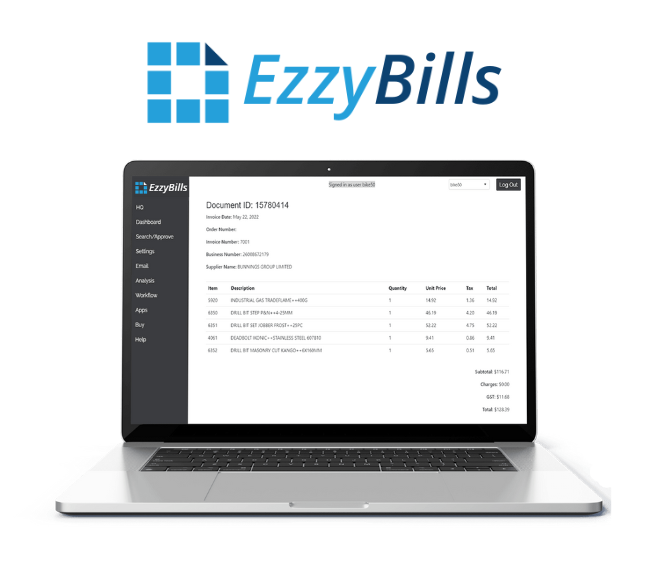
EzzyBills automatically extracts data from supplier invoices and receipts and connects it directly to your jobs in WorkflowMAX. Instead of manually entering purchase costs, scan or upload the document and EzzyBills handles the data extraction.

addt-bg-left

Additional features

addt-bg-right
{"@context":"https://schema.org","@graph":[{"@type":"SoftwareApplication","name":"WorkflowMAX × EzzyBills integration","url":"https://www.workflowmax.com/all-integrations/ezzybills-integration","applicationCategory":"BusinessApplication","operatingSystem":"Web","isPartOf":{"@id":"https://www.workflowmax.com/#software"},"description":"Automate supplier invoice processing into WorkflowMAX with EzzyBills OCR and capture."},{"@type":"Organization","name":"EzzyBills"},{"@type":"BreadcrumbList","itemListElement":[{"@type":"ListItem","position":1,"name":"Home","item":"https://www.workflowmax.com/"},{"@type":"ListItem","position":2,"name":"Integrations","item":"https://www.workflowmax.com/all-integrations"},{"@type":"ListItem","position":3,"name":"EzzyBills","item":"https://www.workflowmax.com/all-integrations/ezzybills-integration"}]}]}