WorkflowMAX, now fluent in AI

MCP Server

Your projects, your data, your team - all accessible through natural conversation with AI assistants like Claude. Ask questions, take action, and move work forward without logging in to find the answer.

Your live project data, one prompt away

features-icon

Ask questions about your jobs, clients, timesheets and financials and get answers instantly

features-icon

Whether you're on site, in a client meeting, or between deadlines, your project data is always within reach

features-icon

Ask "which jobs are over budget this month?" or "show me all unbilled time for the Riverside project"

Lead manager
listing-divider

Full project visibility without the back-and-forth

features-icon

Get a complete picture of any job's financial health — linked quotes, invoices and purchase orders - in seconds

features-icon

Create and update jobs, assign staff, log costs and track progress all through conversation

features-icon

Ask "which jobs are over budget this month?" or "show me all unbilled time for the Riverside project"

Lead manager
listing-divider

Win work and bill faster


features-icon

Draft quotes and send them to clients without switching tools - ideal when you're between site visits or client meetings

features-icon

Ask "what's the unbilled time on job 1234?" and turn it into a draft invoice in the same conversation

features-icon

Create invoices straight from your jobs and approve them when ready

Lead manager
listing-divider

See your team's capacity before it becomes a problem

features-icon

Spot over-allocation early - ask "which staff are over-allocated next week?" and reassign work on the spot

features-icon

View staff allocation, log timesheets and keep resourcing across concurrent projects under control

features-icon

Ideal for agencies, consultancies and trades managing multiple jobs and people at once

Lead manager
listing-divider

Keep your pipeline and your people moving

features-icon

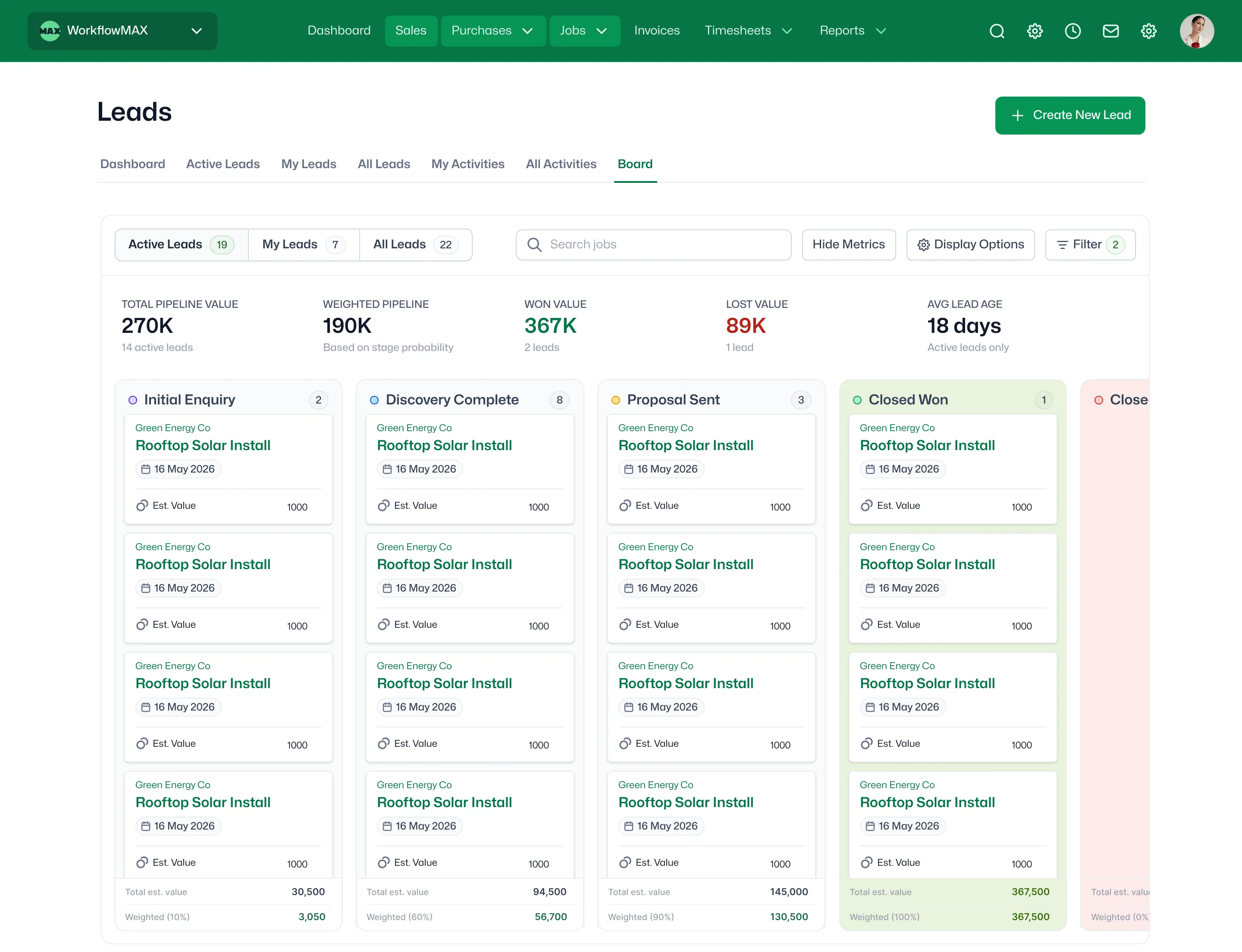
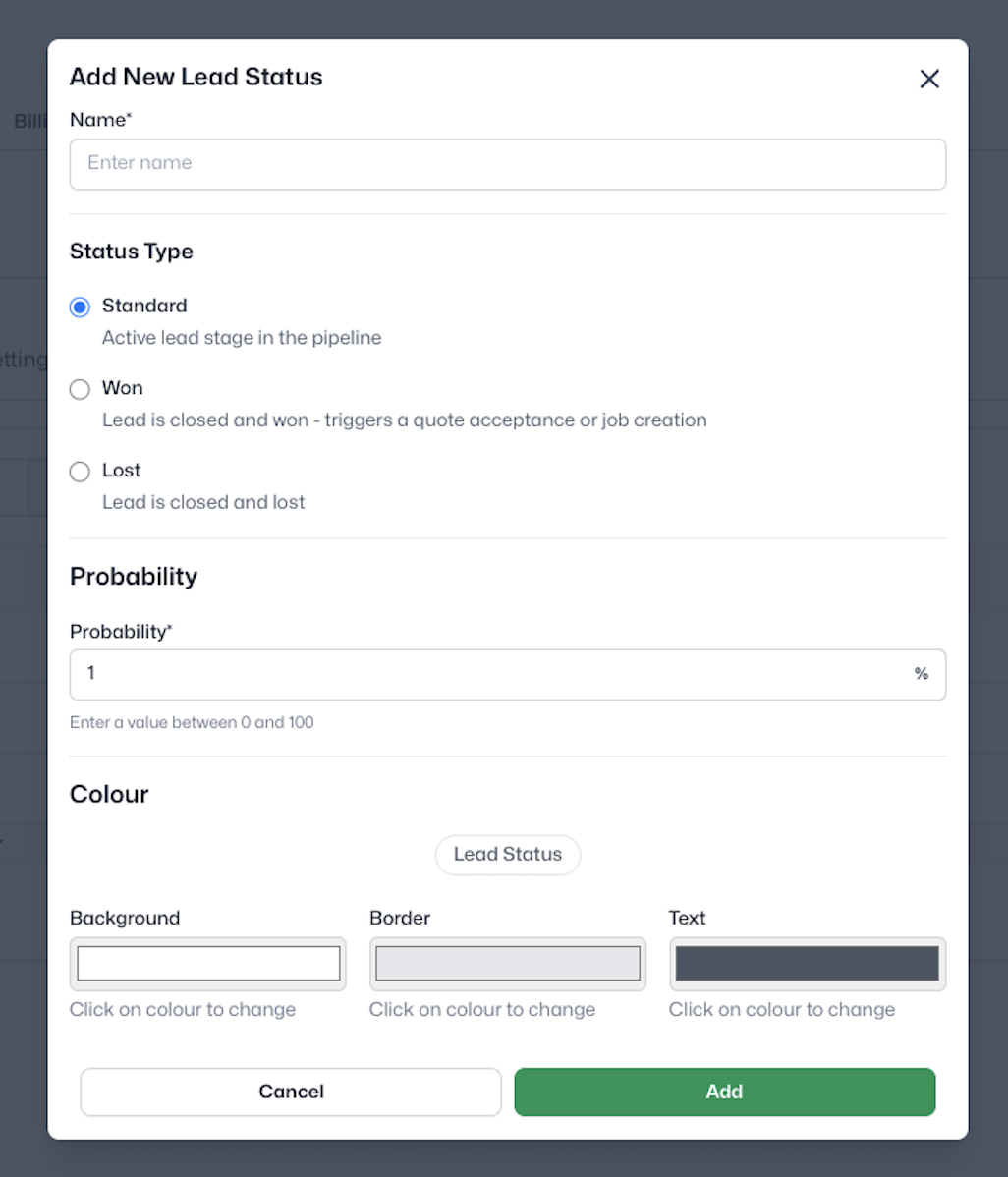
Capture new leads, pull up existing ones and update client details without breaking your flow

features-icon

Ask "which leads haven't had follow-up this week?" to stay on top of your sales pipeline

features-icon

Managing multiple clients or entities? Configure more than one WorkflowMAX account

Lead manager

Be one of the first firms to run WorkflowMAX through AI

Contact support for more details.

WorkflowMAX is essential for our business. It's intuitive, easy to use, and makes us much more efficient in charging projects correctly.

Andrew S.

Episode Two

We moved back and the team actually loves using it—billing is faster and we can see margins live.

Darlene Robertson

Principal, Surveying & Engineering Firm

It’s the same soul with better bones—job costing, timesheets, and invoicing finally work as one.

Floyd Miles

Implementation Partner

WorkflowMAX has made a huge difference to how we run our projects. A great system backed by great support. Highly recommended.

Rob P.

MAF Associates

Any questions?

What is WorkflowMAX's AI integration and how does it work?

WorkflowMAX's AI integration uses MCP (Model Context Protocol) - a standard that lets AI assistants like Claude connect directly to your WorkflowMAX account. Rather than logging in to find information or manually updating records, you can manage your projects, jobs, invoices and team through natural conversation with your AI assistant, all against your live WorkflowMAX data.

Can I use AI to manage my projects in WorkflowMAX?

Yes. Once connected, AI assistants like Claude can create and update jobs, draft quotes and invoices, check staff capacity, review financial summaries and more - all through conversation. It's designed for professional services firms that want to spend less time on admin and more time on billable work.

Which AI assistants work with WorkflowMAX?

WorkflowMAX's MCP integration works with any AI assistant that supports the Model Context Protocol - including Claude, and other MCP-compatible tools. This means you can connect your WorkflowMAX account to whichever AI assistant fits your team's workflow and start taking action on your live project data straight away.

What if the AI makes a mistake? Could it create the wrong invoice or update the wrong job?

The AI acts on your instructions, so it won't take action without a clear prompt from you. As with any tool, we recommend reviewing anything created or updated through MCP before sending it to a client. Your existing approval workflows in WorkflowMAX still apply.

Does it work on mobile?

Yes - because it works through your AI assistant rather than the WorkflowMAX interface directly, you can use it wherever you have access to Claude, including on mobile.

Can I use this across multiple client accounts?

Yes. Firms managing multiple clients or entities can configure more than one WorkflowMAX account.

addt-bg-left

Additional features

addt-bg-right
{"@context":"https://schema.org","@graph":[{"@type":"SoftwareApplication","name":"WorkflowMAX – Advanced WIP","url":"https://www.workflowmax.com/job-management-software/advanced-wip-control-job-level-profitability-workflowmax","applicationCategory":"BusinessApplication","operatingSystem":"Web, iOS, Android","brand":{"@id":"https://www.workflowmax.com/#organization"},"isPartOf":{"@id":"https://www.workflowmax.com/#software"},"description":"Advanced WIP control for job-level profitability tracking, revenue recognition and margin protection.","featureList":"Advanced WIP"},{"@type":"BreadcrumbList","itemListElement":[{"@type":"ListItem","position":1,"name":"Home","item":"https://www.workflowmax.com/"},{"@type":"ListItem","position":2,"name":"Features","item":"https://www.workflowmax.com/job-management-software/all-features"},{"@type":"ListItem","position":3,"name":"Advanced WIP","item":"https://www.workflowmax.com/job-management-software/advanced-wip-control-job-level-profitability-workflowmax"}]}]}