





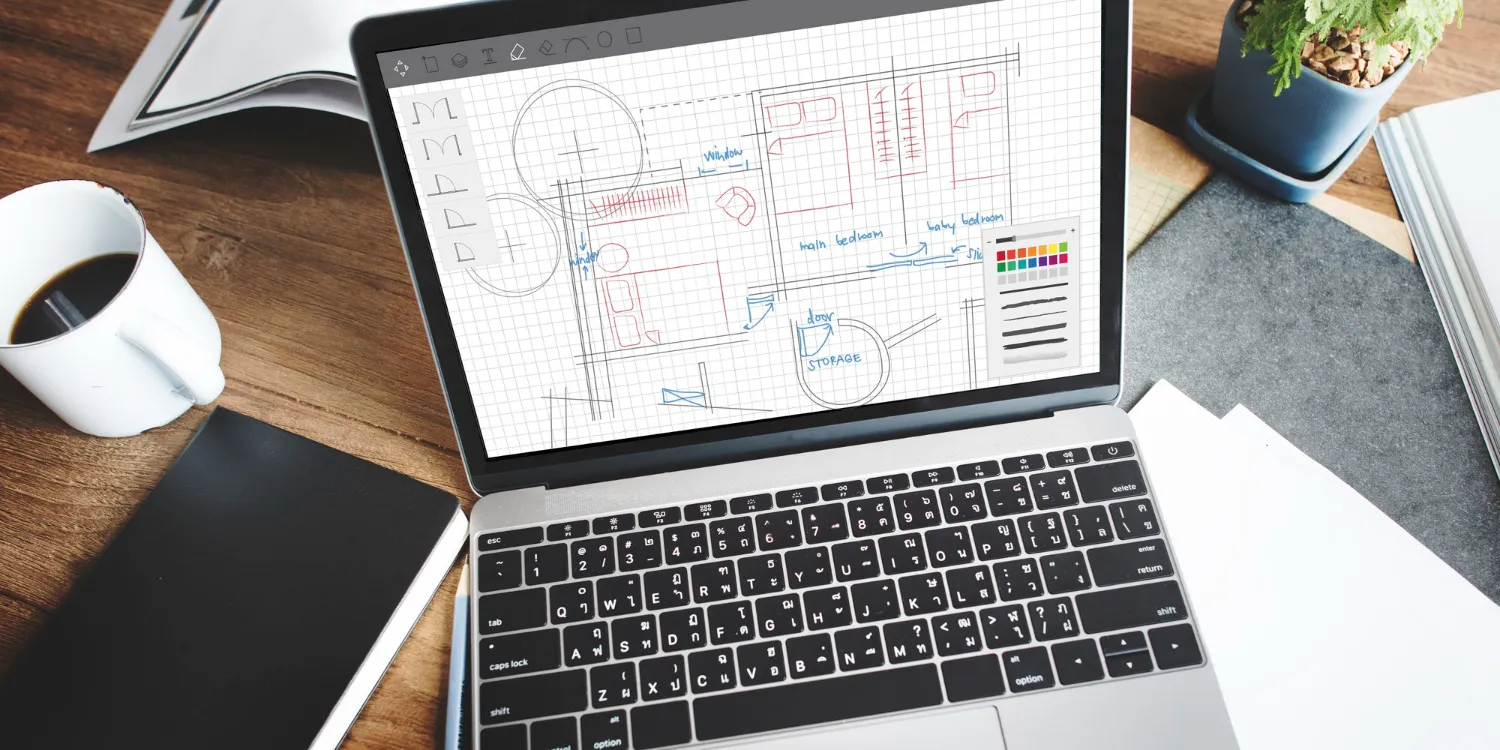
TL;DR: Architecture firms don’t lose money because they “forgot a task.” They lose money because time, scope changes, and budgets drift, and nobody sees it until the invoice. The best project management software for architects is the one that connects quote → time → cost → invoice → reporting so you can manage burn vs. budget in real time, not in hindsight.
Architecture projects aren’t linear, they’re a sequence of phases that bend under permitting delays, late client decisions, and consultant dependencies that rarely land on schedule. So the “best project management software for architects” can’t just show tasks and timelines; it needs to connect phases, time, costs, and invoicing into a clear financial picture while the job is still moving.
The architectural operational gap
Architecture is messy (and that’s normal):
- Permitting slows phases down.
- Clients pivot late.
- Consultants deliver out of sequence.
- The “last 10%” takes 30% of the effort.
The problem? Traditional task lists can’t track this chaos, which means they don't reflect your actual financial reality.
Most “project management” tools do a great job showing what’s happening, but a poor job showing what it’s worth. That’s why architecture firms end up stitching together:
- a PM tool for tasks,
- a time tracker for hours,
- spreadsheets for budgets,
- accounting for invoices,
…and then manually reconciling it all when it’s already too late to protect the margin.
If you’re choosing the best project management software for architects, the real question is:
Does it tell the full project “financial story” while the job is still in motion?
What to look for in the best project management software for architects
1) 360-degree project financial storytelling
You want software that connects the lifecycle:
- lead / inquiry
- estimate & quote
- project setup
- time & costs
- invoicing
- reporting
This “single operational foundation” idea matters because it prevents data silos and lets the firm run from one accurate record, instead of scattered tools and exports.
2) Multi-phase estimating and quoting
Architects sell in phases. Your system should support quoting in a way that matches how you deliver, so scope is structured, trackable, and invoiceable later.
(If your quote and your delivery plan live in different tools, you’re basically guaranteeing budget drift.)
3) Accurate time tracking against architectural stages
Time tracking only matters if it’s structured in a way that matches how architects work:
- phases / stages
- tasks inside phases
- billable vs non-billable
- role rates
The key: time must land in the right “bucket,” or your reporting becomes fiction.
4) Integration with tools like Xero / QuickBooks to reduce manual admin
The goal isn’t “integration for the sake of it.” It’s eliminating duplicate entries and keeping financial data consistent.
Top software options for architects
1) WorkflowMAX: the agile choice for AEC profitability
WorkflowMAX is best understood as job management software that’s designed to run the full operational loop:
That end-to-end flow is exactly what many architecture firms are missing when they piece together tools that don’t talk to each other.
Where WorkflowMAX is strongest for architects
Job management + financial reportingWorkflowMAX leans into job-centric control: you can see job financial performance through reporting and dashboards designed around job outcomes (not just activity). Its positioning is built around “job profitability visibility,” not generic productivity claims.
Connected to accounting workflowsWorkflowMAX is commonly paired with Xero for streamlined operations, syncing key financial and client data to reduce rework and help firms keep job costing aligned with actuals.
Why it’s a fit for scaling firmsImplementation partners consistently describe WorkflowMAX as sticky because it becomes the place where “the whole job board” and the firm’s operating data lives, meaning it replaces spreadsheets and reduces operational ambiguity once it’s set up well.
Watch-outs
- Avoid assuming any tool has “enterprise PSA depth” unless you’ve confirmed it fits your firm size and workflows.
- Be precise about integrations and dashboards, don’t buy based on vague “real-time analytics” promises. The WorkflowMAX team explicitly tracks this risk in its content QA process.
Best for: Architecture firms that want operational control + job financial clarity without stepping into heavyweight enterprise PSA complexity.
2) Synergy: comprehensive AEC practice management
Synergy is built specifically for A&E firms and positions itself as an all-in-one platform covering project management plus finance features like timesheets, expenses, invoicing, and forecasting.
What you’ll likely like
- Strong AEC focus (language, workflows, templates)
- Broad functional coverage across the practice
Trade-off to considerFor some teams, “comprehensive” can translate into heavier processes + longer onboarding. If your firm wants fast adoption and a simpler operating backbone, you’ll want to evaluate the learning curve carefully.
Best for: AEC firms that want a deeply AEC-oriented suite and are comfortable investing in onboarding and process structure.
3) Monograph: excellent budget visualization
Monograph is widely known in architecture circles for its “MoneyGantt” approach, helping teams visualize budget burn and progress across phases.
What you’ll likely like
- Strong visual budget tracking (“MoneyGantt”)
- Feels native to design teams and PMs who think visually
Trade-off to considerIf your firm needs a more end-to-end operational backbone (quote → cost → invoice → reporting), you’ll want to pressure-test how deep the quoting + downstream financial workflow is compared to job-centric systems.
Best for: Visual-first studios that value budget clarity and phase visibility, especially if financial operations are simpler or handled elsewhere.
4) Deltek: enterprise-grade power
Deltek offers engineering and AEC-oriented tools (including products like Ajera and Vantagepoint) designed for complex project environments with budgets, resource allocation, and financial visibility across teams.
What you’ll likely like
- Strong enterprise coverage for large, complex organizations
- Mature ecosystem for firms with sophisticated requirements
Trade-off to considerEnterprise software can create admin overhead, more configuration, more governance, more training. If your firm’s priority is agility and adoption speed, evaluate whether you’ll actually use (and benefit from) the full depth.
Best for: Large AEC organizations that need enterprise-grade controls, reporting structure, and multi-team governance.
Real profit power vs. “just visual scheduling”
A lot of architecture tools do one part well:
- scheduling
- time tracking
- invoicing
- reporting
What you need is one that takes care of the before and after:
- Before: inquiry / lead management, quoting
- During: time & cost capture
- After: invoicing and job performance reporting
That matters because architecture profitability isn’t a single moment, it’s a chain. Break the chain, and you get:
- delayed invoicing,
- missed scope changes,
- budget surprises,
- margin leakage.
WorkflowMAX’s strategic narrative positions this as solving the “disconnected data” problem: tools that track activity but don’t show what it’s worth, forcing firms into manual reconciliation and late decision-making.
AEC is hard enough, your software shouldn’t be a second job
If you’re choosing the best project management software for architects, don’t reward tools for being “pretty.” Reward them for being operationally true.
Use a simple litmus test during demos:
- Can I see budget burn vs. actuals in a way that maps to my phases?
- Can I trace a change in scope from quote → time → invoice without spreadsheets?
- Can my team actually adopt it without a six-month implementation project?
If the answer to any of those is “no,” you’re not buying project management, you’re buying another system your team has to manage.
Want to see what job-centric project management looks like for architects? Explore WorkflowMAX’s job management + reporting approach and evaluate it against your current workflow.



